Building or improving a website shouldn’t feel like learning a new language, yet for many business owners, it often does. Terms like CMS, responsive, domain, hosting, or meta tags appear in meetings, proposals, and builder dashboards, but their meanings aren’t always clear.
This vocabulary guide from Pixwelz LTD is designed to change that. Here, we break down fifty essential website builder and digital terminology phrases you’ll encounter in 2026, explained in simple, practical language.
Think of this as your quick-reference dictionary for website creation. The more familiar you are with these concepts, the easier it becomes to choose the right tools, communicate effectively with professionals, and build a digital presence that aligns with your goals, not just today, but as your business evolves.
General Website Builder Terms

Before choosing a website platform or hiring someone to build your site, it helps to understand the basic vocabulary used across all builders. These terms show up in dashboards, tutorials, proposals, and pricing plans, so knowing them makes decision-making easier and prevents confusion later.
Website Builder
A tool that allows users to create a website without learning coding. Popular builders offer drag-and-drop features, templates, plugins, and publishing tools so businesses can build and launch sites faster.
Template / Theme
A pre-designed layout that controls how your site looks, including colors, typography, page structure, and elements like headers and footers. Templates speed up design and ensure consistency.
Drag-and-Drop Editor
An interface where you click elements (text, images, buttons) and literally drag them where you want them on the page. This makes building visually easy for non-technical users.
Dashboard
The control area of your builder where you manage pages, content, store settings, plugins, and analytics. It’s the “home base” for managing your site.
CMS (Content Management System)
Software that allows you to create, organize, and update website content without coding. WordPress is one of the most widely used CMS platforms globally.
Page Builder
A tool inside a CMS that gives visual editing power, letting you design layouts without touching code. Think of it as a layer on top of the CMS.
Plugin / Extension / Add-on
Software you install to add features like contact forms, booking tools, SEO helpers, or eCommerce functions. Some are free; others are premium.
Hosting
The service that stores your website’s data and makes it accessible online. Some builders include hosting automatically; others require separate hosting providers.
Domain Name
Your website’s unique address, like pixwelz.com. It’s what people type in their browser to reach your site.
SSL Certificate
A security layer that encrypts data so information sent between users and your site stays private. Websites with SSL show https:// and a padlock icon.
Responsive Design
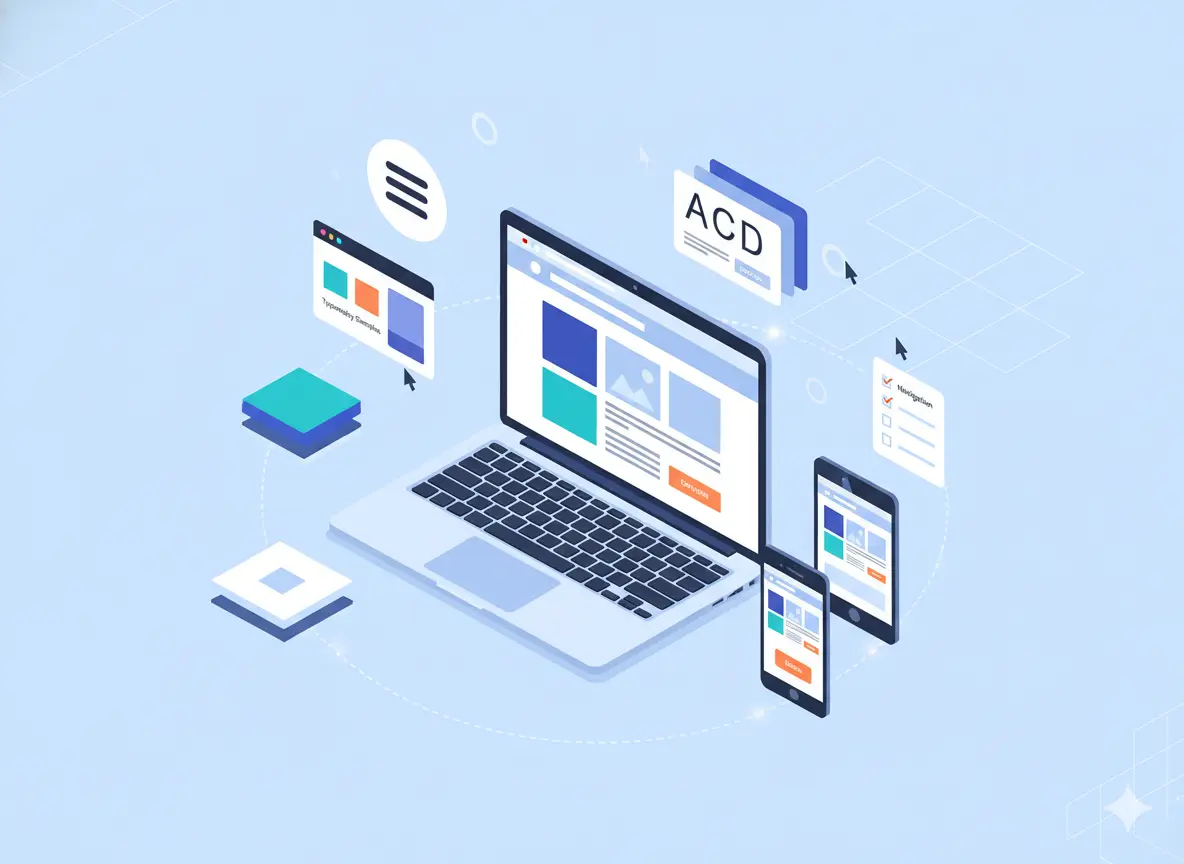
A design method that automatically adjusts how your site looks on different screen sizes, desktop, tablet, and mobile, without breaking layouts.
Backend / Admin Panel
Where you manage your site behind the scenes, settings, content, updates, and technical controls.
Frontend
What visitors see when they visit your website interface, layout, text, buttons, menus, and visuals.
Publishing / Deployment
The step where your site goes from private editing mode to being visible on the internet.
Versioning / Drafting
Tools that let you save, preview, revert, or update versions of your site without accidentally breaking the live version.
Website Backup
A stored copy of your site that can be restored if something goes wrong, especially important when updating plugins or redesigning pages.
Design & UX Terms
Once you start working with a designer or exploring your website builder settings, you’ll notice language that describes how your site looks, feels, and guides users. These terms relate to layout, brand consistency, user experience, and visual decision-making.
UX (User Experience)
How people feel when using your website, from ease of navigation to readability and task completion. Good UX means visitors enjoy interacting with your site and can achieve their goals without frustration.
UI (User Interface)
The visual side of UX includes menus, buttons, icons, forms, typography, and layout. UI determines how your site presents information and guides actions.
Wireframe
A basic layout showing the page structure without styling, similar to a blueprint. Designers use wireframes before applying colours or visuals.
Prototype / Mockup
A visual preview of what your website will look like before development. It helps you see pages, layouts, and interactions.
Navigation (Menu Structure)
How visitors move through your website's top menu, footer links, call-to-action buttons, and page hierarchy. Clear navigation keeps users from feeling lost.
Hierarchy
The order in which information is presented so users know what is most important. Headings, colors, and spacing help define hierarchy.
Brand Identity
The combination of visual elements, logo, colors, fonts, and tone that represent your business and make it recognizable.
Typography
How text is styled: font type, size, spacing, and readability. Typography affects professionalism and visitor comfort.
White Space / Negative Space
Empty areas of a layout that improve readability and reduce clutter. Effective white space makes your website feel more premium and easier to use.
CTA (Call to Action)
Text or buttons that tell visitors what to do next, like “Book a Consultation” or “Get a Quote.” CTAs direct conversions.
Responsive Layout
How page structure adjusts naturally to different screens, ensuring buttons, text, and images stay usable on mobile devices.
Accessibility
Design so all users, including those with disabilities, can navigate and understand your content. This may involve contrast, readable fonts, alt text, and keyboard-friendly navigation.
Conversion Path
The journey that leads a visitor to take action, filling out a form, calling your number, signing up, or purchasing.
Bounce Rate (Experience Context)
The percentage of visitors who leave quickly. High bounce rates often indicate a confusing design, slow load time, or weak UX.
Visual Consistency
Keeping elements aligned, fonts, colours, and buttons so the site feels cohesive. Consistency reinforces trust and clarity.
Hero Section
The top, first-visible part of a homepage usually contains headline text, imagery, and a CTA. It’s where brands make their first impression.
SEO & Performance Terms
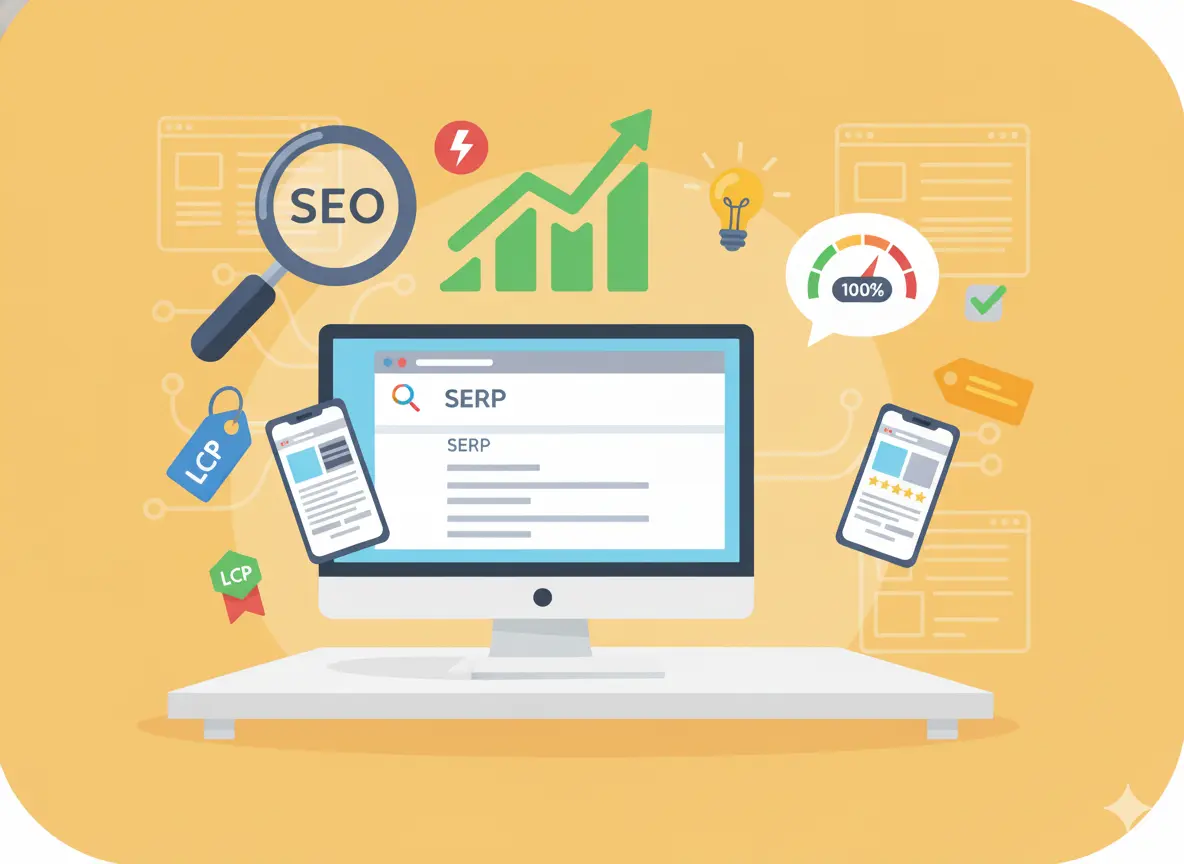
Having a beautiful website is only half the job; people also need to find it. Search engines influence how visible your business is online, and performance affects whether visitors stay or leave.
SEO (Search Engine Optimization)
.webp)
The process of improving your website so it ranks higher on search engines like Google. Better rankings mean more organic (free) traffic.
Keywords
Words or phrases people type into search engines to find information. Choosing relevant keywords helps Google understand your business.
Meta Tags
Short descriptions in your site’s code that tell search engines what pages are about. The meta title and meta description influence click-through rates.
Alt Text
Written descriptions attached to images help search engines and visually impaired users understand what an image shows.
URL Structure
How your web addresses are arranged, clean, readable URLs are easier for users and search engines.
Indexing
When search engines add your pages to their database, they can appear in results.
Crawling
How search engines scan your pages before indexing. If your site is hard to crawl, you may not appear in search results.
Sitemap
A file listing your important pages so search engines can find and understand your site structure.
Backlinks
Links from other websites pointing to yours. Quality backlinks act as “votes of trust” and help rankings.
On-Page SEO
Optimizing content, headings, URLs, images, and keywords directly on your site.
Technical SEO
Behind-the-scenes improvements to site speed, structure, indexing, and crawlability that help search engines access your content.
Site Speed / Page Load Time
How fast your pages display. Faster sites rank better and keep users engaged.
Core Web Vitals
Google’s performance metrics, measuring loading speed, visual stability, and user interaction quality, influence rankings.
Mobile Optimization
Ensuring your site loads fast and works smoothly on phones is important because most traffic is mobile.
Bounce Rate (Search Context)
The percentage of people who land on your page and leave quickly is often tied to slow speed or irrelevant content.
Conversion Rate
The percentage of visitors who complete an action, such as filling out forms, booking calls, or making purchases. Higher conversion rates indicate an effective site.
Analytics
Tools that measure website traffic, behaviour, and conversions, helping you see what’s working and what needs improvement.
Tracking Pixel / Script
Small bits of code used to collect data about visitor behaviour are commonly used for analytics or remarketing.
Performance Optimization
Steps taken to improve speed, responsiveness, and usability, from image compression to caching.
E-commerce Terms
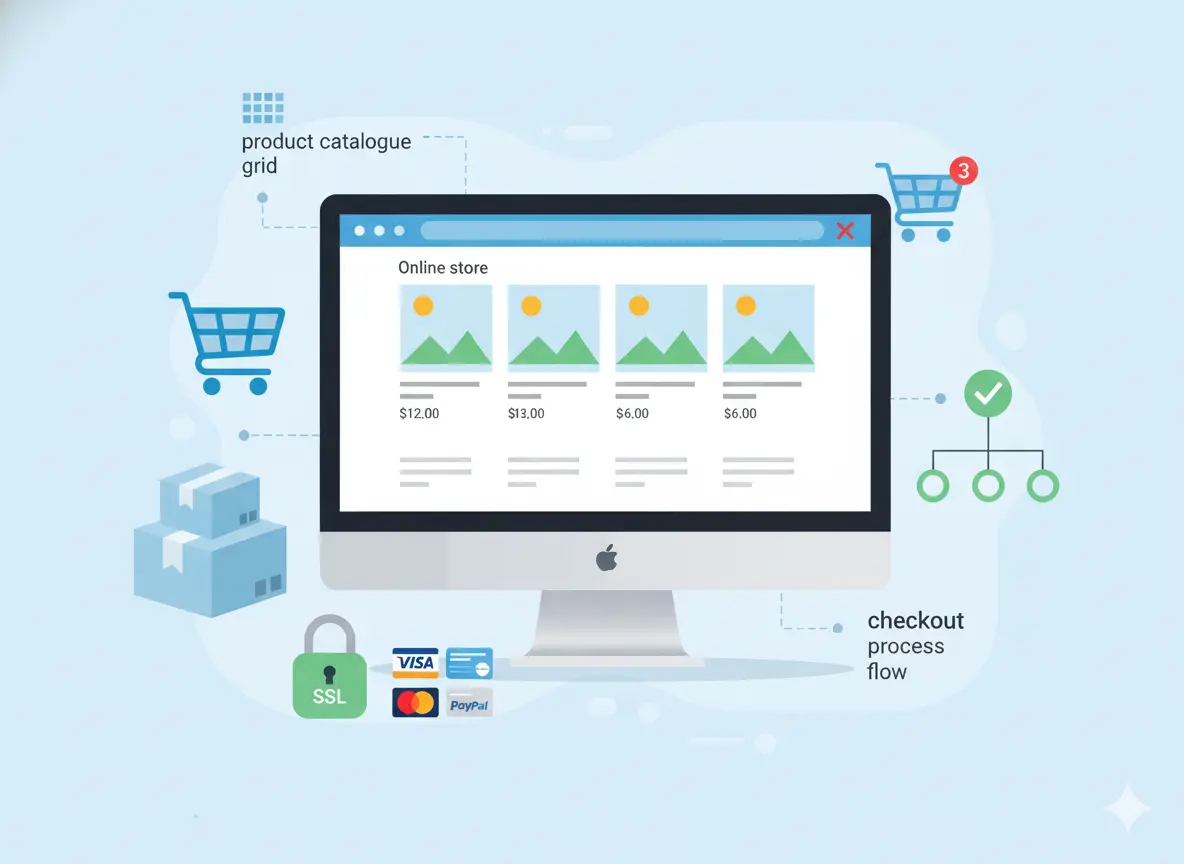
If you plan to sell products, services, or bookings through your website, you’ll encounter e-commerce terminology. Understanding these terms helps you communicate with developers, configure your store correctly, and improve customer experience.
Online Store / E-commerce Platform
Software that enables businesses to sell products or services online. Popular examples include Shopify, WooCommerce, and Wix Stores.
Product Catalogue
A structured list of items for sale, including descriptions, pricing, categories, and images.
SKU (Stock Keeping Unit)
A unique code is assigned to each product or variation to track inventory.
Shopping Cart
The system lets customers select products for purchase before checkout.
Checkout Page
Where customers enter billing, shipping, and payment information to complete their order.
Payment Gateway
A service that securely processes online payments such as Stripe, PayPal, or Square.
Order Management System
Tools that track purchases, fulfillment, returns, and shipping status.
Inventory Management
Processes that ensure you have enough stock available and updated on your website.
Digital Download
Products delivered electronically, such as files, templates, or software.
Subscription / Recurring Billing
A model where customers pay each month, year, or cycle is common for SaaS services or memberships.
Cart Abandonment
When customers add items but leave before completing checkout. Reducing abandonment improves revenue.
Upsell / Cross-sell
Techniques to increase order value by offering upgrades or related products.
Coupon / Promo Code
Discount entries that incentivize purchases or reward loyalty.
Shipping Rules
Settings that calculate delivery fees based on location, weight, or order value.
Merchant Account
A bank or digital service that enables businesses to accept card payments.
SSL Security (E-commerce Context)
Encryption that protects customer payment information is required for online transactions.
PDP (Product Detail Page)
The page displays product information, images, pricing, and CTAs.
Conversion Funnel
The sequence from browsing to purchase, optimizing each step, increases sales.
Customer Lifetime Value (CLV)
A metric estimating how much a customer is worth over time is useful for pricing and marketing decisions.
E-commerce Analytics
Data showing trends like revenue, average order value, conversion rate, and customer behaviour.
Growth, Marketing & Analytics Terms
Once your site is live, the next challenge is driving traffic, measuring what works, and turning visitors into leads or customers. These terms help you understand conversations about marketing campaigns, performance reports, and strategic decision-making.
Traffic
The number of people visiting your website. It can come from SEO, ads, social media, referrals, or direct searches.
Conversion
Any meaningful action taken by a visitor, such as filling out a form, requesting a quote, booking a call, or purchasing.
Lead Generation
Capturing contact details of potential customers often through forms, landing pages, or offers.
CTA (Call to Action) Strategy
Planning where and how to ask users to take action impactful for boost conversions.
Landing Page
A focused page designed to persuade visitors toward one specific action, commonly used for ads or campaigns.
Funnel
The steps a user moves through from awareness to purchase: awareness → interest → decision → action.
Engagement
How actively people interact with your site, clicking buttons, reading pages, scrolling, or returning.
Retention
How well you keep existing customers coming back through content, email marketing, or memberships.
Remarketing / Retargeting
Showing ads to people who have already visited your site, helping bring them back to complete actions.
Organic Traffic
Visitors coming from search engines are naturally without paid ads.
Paid Traffic / PPC (Pay-Per-Click)
Visitors are driven through paid advertising, where businesses pay each time someone clicks on an ad.
A/B Testing
Comparing two versions of a page or message to see which performs better, and improving results through data.
Bounce Rate (Marketing Context)
A signal of whether marketing or landing page messaging is relevant and valuable to visitors.
Customer Acquisition Cost (CAC)
Knowing how much it costs to gain each new customer is helpful for budgeting and growth planning.
Return on Investment (ROI)
How much revenue your marketing produces compared to the cost is essential for decision-making.
Tracking Code / Analytics Tag
Small pieces of code are added to your site to measure actions, campaign effectiveness, and conversions.
Dashboard Analytics
Visual reporting panels showing real-time metrics like traffic, engagement, conversions, and revenue.
Heatmap
A visual tool showing where visitors click, scroll, or hover is useful for UX and conversion improvement.
Attribution
Determining which channel or action led to a conversion helps you know where to invest more.
Automation
Systems that run marketing or follow-ups automatically, like email sequences or chatbot responses.
CRM (Customer Relationship Management)
Software for managing leads, clients, follow-ups, and communications is commonly used in service business growth.
Advanced / Technical Terms
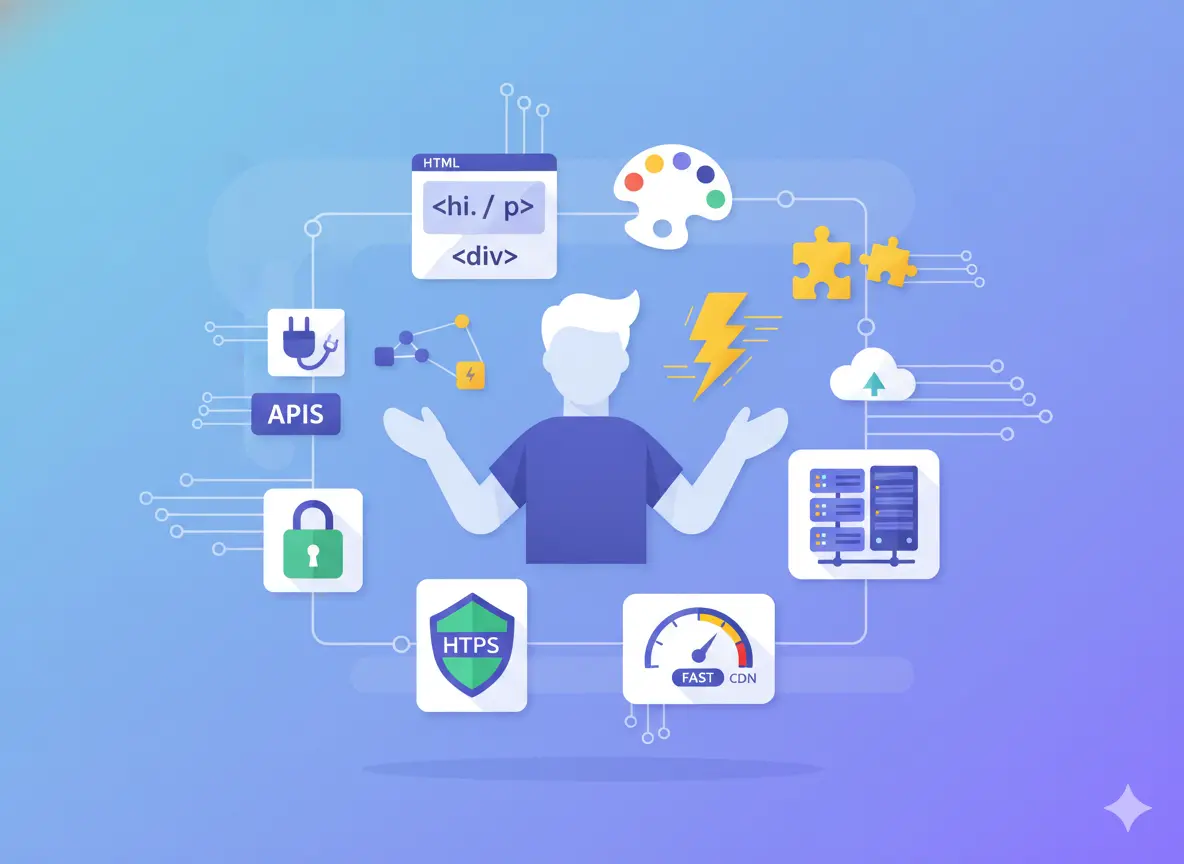
Even if you’re using a website builder, you’ll still encounter technical words in proposals, dashboards, or support documentation. Understanding these terms helps you communicate with developers, troubleshoot issues, and make smarter long-term decisions about your site infrastructure.
HTML (Hypertext Markup Language)
The foundational language used to structure webpage content headings, paragraphs, links, and layout containers.
CSS (Cascading Style Sheets)
The styling language that controls visual appearance, colors, spacing, fonts, and layout formatting.
JavaScript
A programming language that adds interaction to websites, sliders, pop-ups, form validation, or animations.
API (Application Programming Interface)
A connection system allowing different software or platforms to share data, for example, integrating payments or CRM tools.
Database
A structured system for storing and managing information such as user accounts, product inventory, or form submissions.
Caching
A process that temporarily stores website data to load pages faster for repeat visitors.
Hosting Server
The computer system that runs your website files and makes them available online.
Bandwidth
The amount of data your site can transfer to visitors. High traffic or large files require more bandwidth.
CDN (Content Delivery Network)
A network of servers that delivers content faster to users worldwide by storing copies closer to their location.
HTTPS
A secure communication protocol, encrypting data between users and your site, is enabled by SSL certificates.
DNS (Domain Name System)
The system that maps your domain name (e.g., pixwelz.com) to your hosting server is like a digital address book.
Migration
Moving a website from one builder or server to another often requires planning to avoid downtime.
Uptime / Downtime
Uptime means your website is accessible; downtime means it’s temporarily unavailable, typically measured as a percentage.
Error 404
A message users see when a page can’t be found, usually due to deleted or renamed links.
Redirect
Automatically sending users from an old page URL to a new one is useful during redesigns or restructuring.
Compression
Reducing file sizes (such as images) to speed up loading time.
Firewall
Security technology protects your website from unauthorized access or attacks.
Malware Scan
Software that checks your site for harmful code or vulnerabilities.
Domain Registrar
The company through which you purchase and manage your website name.
Version Control
A system that tracks edits and updates so developers can roll back changes if something breaks.
Web Accessibility Standards
Guidelines ensuring websites are usable for people with different abilities are increasingly important for compliance and inclusivity.
Conclusion
Today’s digital world moves fast, and business owners are expected to understand technology, design, marketing, and platforms all at once. When conversations include terms like “CMS,” “responsive layout,” “conversion funnel,” or “Core Web Vitals,” it’s easy to feel overwhelmed or unsure of what’s truly important.
.svg)
.svg)
.svg)
.svg)