Building a website no longer requires coding. Modern website builders enable businesses to launch quickly, manage content easily, and scale without technical complexity. Because your website is often the first place customers judge your brand, the platform you choose can directly influence your SEO performance, user experience, and long-term business growth.
If you’re wondering which platform best fits your business, this guide covers everything you need to know, from costs to customization options.
General Website Builder Basics
Q1. What is a website builder, and how does it work?
A website builder is an online tool that lets you create a website without needing to write code. Most platforms use drag-and-drop editors, where you visually place text, images, buttons, and sections onto your page. Behind the scenes, the builder automatically generates the required HTML, CSS, and JavaScript.
There are two main types:
☑ Hosted website builders (Wix, Shopify, Squarespace)
These include hosting, security, templates, and updates in one subscription.
☑ Self-hosted platforms (WordPress.org)
You install the software separately and choose your own hosting provider.
Quick tip: Website builders make setup easy and fast, but some platforms may limit full customization or large-scale growth.
Q2. Do I need coding skills to use a website builder?
For most business owners, no coding skills are required. Platforms like Wix, Shopify, and Squarespace are designed for non-technical users.
However:
☑ Your customization is limited to the features the builder provides.
☑ WordPress offers more flexibility through themes and plugins, and if you want deeper customization, you can use code, but it’s optional.
Q3. Which website builder is best for small businesses?
There is no single “best” choice; it depends on your goals.
Here’s a quick comparison:
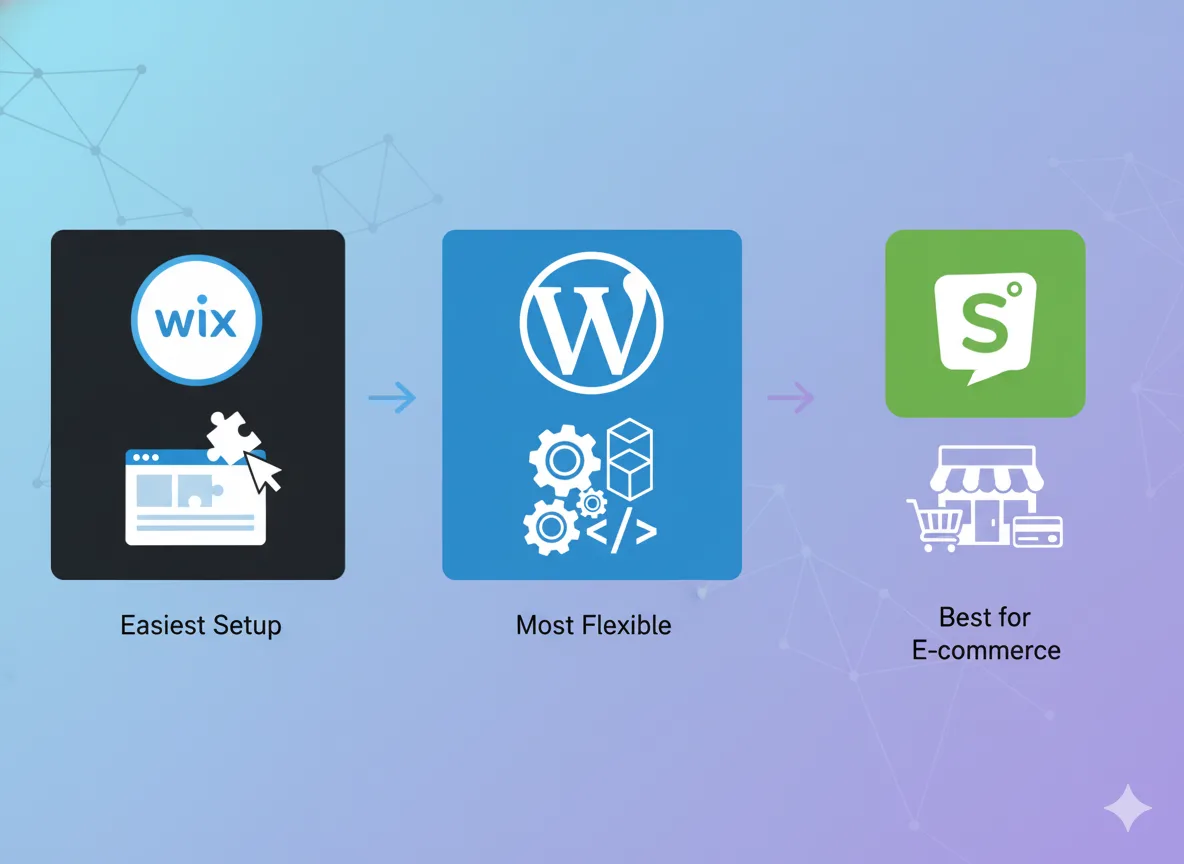
☑ Wix → Easiest for beginners
Very user-friendly with templates and a simple drag-and-drop editor.
☑ WordPress → Most scalable
Ideal for long-term SEO, complex features, and growing businesses.
☑ Shopify → Best for e-commerce
Optimized checkout, inventory tools, and built-in payment systems.
Tip: Think beyond launching your site; choose a platform that supports your business as it grows.
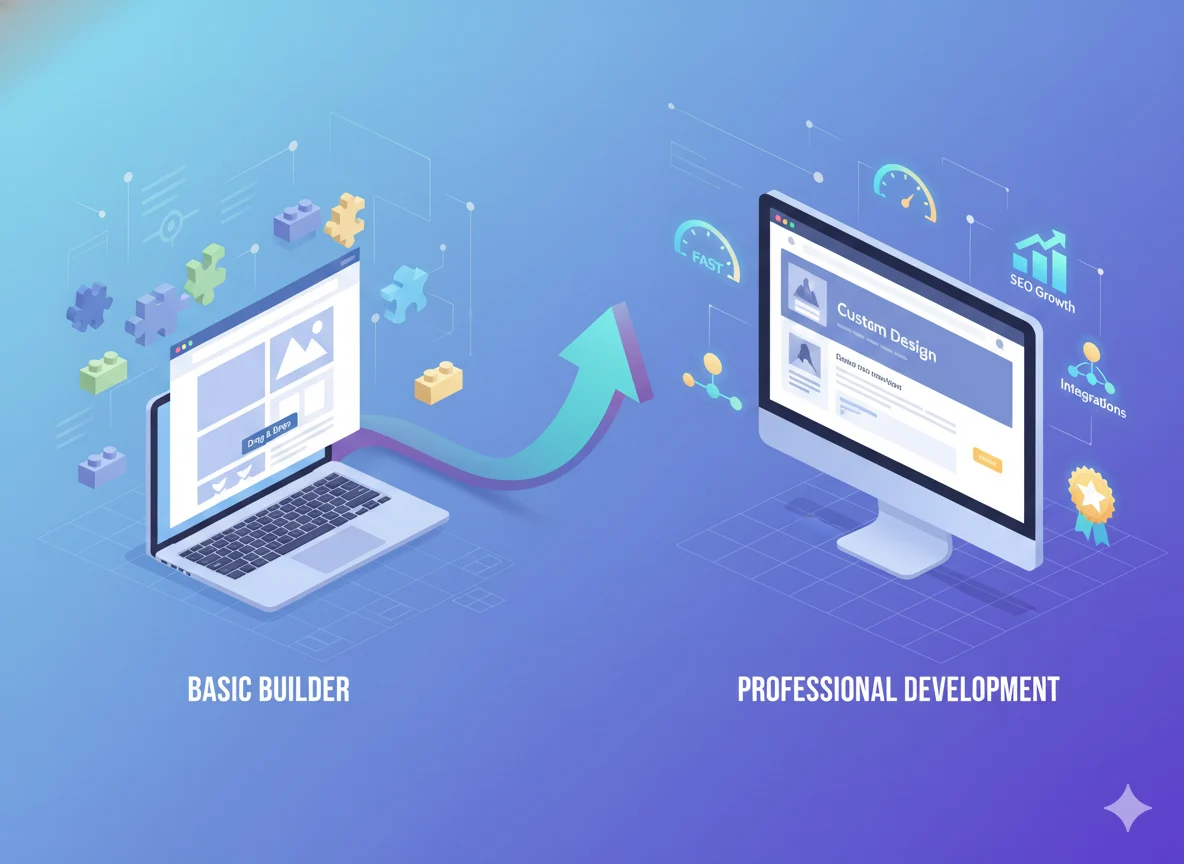
Q4. Are website builders better than hiring a developer?
It depends on your timeline and goals:
☑ Short-term:
Website builders are cheaper, quicker to set up, and require no technical skills.
☑ Long-term:
A professional developer or agency can create a fully optimized, branded, high-performing website with custom features that templates cannot provide.
That’s where a professional team helps your business grow beyond templates, and agencies like Pixwelz LTD specialize in turning basic websites into powerful, conversion-driven digital assets.
Q5. Can I switch from a website builder later?
Yes, most businesses migrate as they grow. Although you can’t always export everything perfectly (especially design layouts), your content can usually be exported or manually migrated.
Common upgrade paths include:
☑ Wix → WordPress (for more customization + SEO control)
☑ WordPress → Shopify (for businesses shifting into serious e-commerce)
☑ Squarespace → WordPress (for advanced flexibility)
Migration takes planning, but it’s absolutely possible.
Platform Comparisons
Q6. Wix vs WordPress vs Shopify: What’s the difference?
These three platforms are among the most popular, but each serves different business needs. Here’s how they compare:
Ease of Use
☑ Wix: True drag-and-drop editing with no setup required.
☑ WordPress: Requires hosting setup and theme configuration, but is far more flexible.
☑ Shopify: Easy for e-commerce. Designed for product management, orders, and payments.
Cost
☑ Wix: Fixed monthly plans that include hosting and templates.
☑ WordPress: Can be low-cost or expensive depending on the hosting, themes, and plugins you choose.
☑ Shopify: Monthly subscription + app fees + transaction fees (unless using Shopify Payments).
Flexibility & Customization
☑ Wix: Good design flexibility, but limited backend customization.
☑ WordPress: Most flexible platform, with nearly unlimited customization through themes and plugins.
☑ Shopify: Highly optimized for online stores but less flexible for non-ecommerce features.
Scalability
☑ Wix: Best suited for small to medium sites; limited for complex enterprise-scale needs.
☑ WordPress: Scales extremely well with proper hosting.
☑ Shopify: Scales perfectly for e-commerce businesses as inventory and traffic grow.
In short:
☑ Use Wix if you want the fastest, simplest setup.
☑ Use WordPress if long-term growth, SEO, and custom features matter.
☑ Use Shopify if e-commerce is your primary business model.
Q7. Which platform is best for e-commerce?
For most online stores in 2025, Shopify remains the industry leader.
It’s purpose-built for e-commerce with:
☑ Fast, secure checkout
☑ Built-in payment gateways
☑ Inventory and shipping tools
☑ High-converting storefront themes
☑ Powerful apps for marketing and automation
However, WordPress with WooCommerce is a strong choice if you need:
☑ A site that blends content, blogging, and e-commerce
☑ Full control over design
☑ Flexible product types and custom functionalities
Summary:
☑ Choose Shopify for a dedicated, scalable online store.
☑ Choose WordPress (WooCommerce) if your business mixes products, content, and advanced customization.
Q8. Which platform is best for a service-based business?
For service providers, agencies, consultants, clinics, freelancers, and coaches, WordPress is generally the strongest option.
Here’s why:
☑ You can build custom service pages and landing funnels.
☑ It integrates with popular booking and scheduling systems.
☑ SEO plugins (like Yoast or Rank Math) help attract search traffic.
☑ Blogs, case studies, and portfolio layouts are easy to manage.
☑ You can scale into automation, CRM integrations, membership areas, and more.
Wix and Squarespace are also workable for simple service websites, but WordPress offers the long-term flexibility that growing businesses usually need.
Cost & Functionality
Q9. How much does a website builder cost per month?
Website builder pricing varies depending on features, bandwidth, and whether you run an online store.
Here’s a general breakdown based on commonly advertised plan ranges:
☑ Wix: Typically $14–$49/month for standard and business plans.
☑ Shopify: Usually $29–$299/month, depending on features and staff accounts.
☑ WordPress (self-hosted): There is no fixed monthly fee, but you pay for:
☑ Hosting (commonly $5–$30/month)
☑ Premium themes or plugins (optional)
☑ Security and backups (varies by host)
Hidden or often-overlooked costs include:
☑ Domain registration (usually $10–$15/year)
☑ Professional email (commonly via Google Workspace or hosting providers)
☑ Premium apps or plugins (Shopify and WordPress especially)
☑ Third-party integrations for marketing, booking, analytics, etc.
While website builders advertise simple monthly pricing, total real-world costs depend on your business needs and add-ons.
Q10. Can I add my own domain and email?
Yes, nearly all website builders support custom domains, whether purchased directly on the platform or connected from a registrar like Namecheap or GoDaddy.
However, email hosting is usually separate.
Most businesses set up email through:
☑ Google Workspace (common for professional business emails)
☑ Microsoft 365
☑ Or the email service bundled with some hosting providers (mainly for WordPress)
Connecting a custom domain is built in and straightforward, but email accounts generally require an additional subscription.
Q11. Can a website builder handle SEO?
Yes, most website builders include basic SEO tools such as:
☑ Title and meta descriptions
☑ URL customization
☑ Image alt text
☑ Basic redirects
☑ SSL certificates
However, advanced SEO features vary widely:
☑ Some platforms limit control over site architecture, structured data, core web vitals, or server-level performance.
☑ Page speed optimization is often restricted to what the builder allows.
WordPress stands out for SEO because you have complete control over:
☑ Metadata
☑ Schema markup
☑ Plugins like Yoast, Rank Math, or AIOSEO
☑ Caching and performance optimization
☑ Server settings (via your hosting provider)
For businesses that rely heavily on organic traffic, WordPress usually offers the most robust long-term SEO foundation.
Performance & Growth
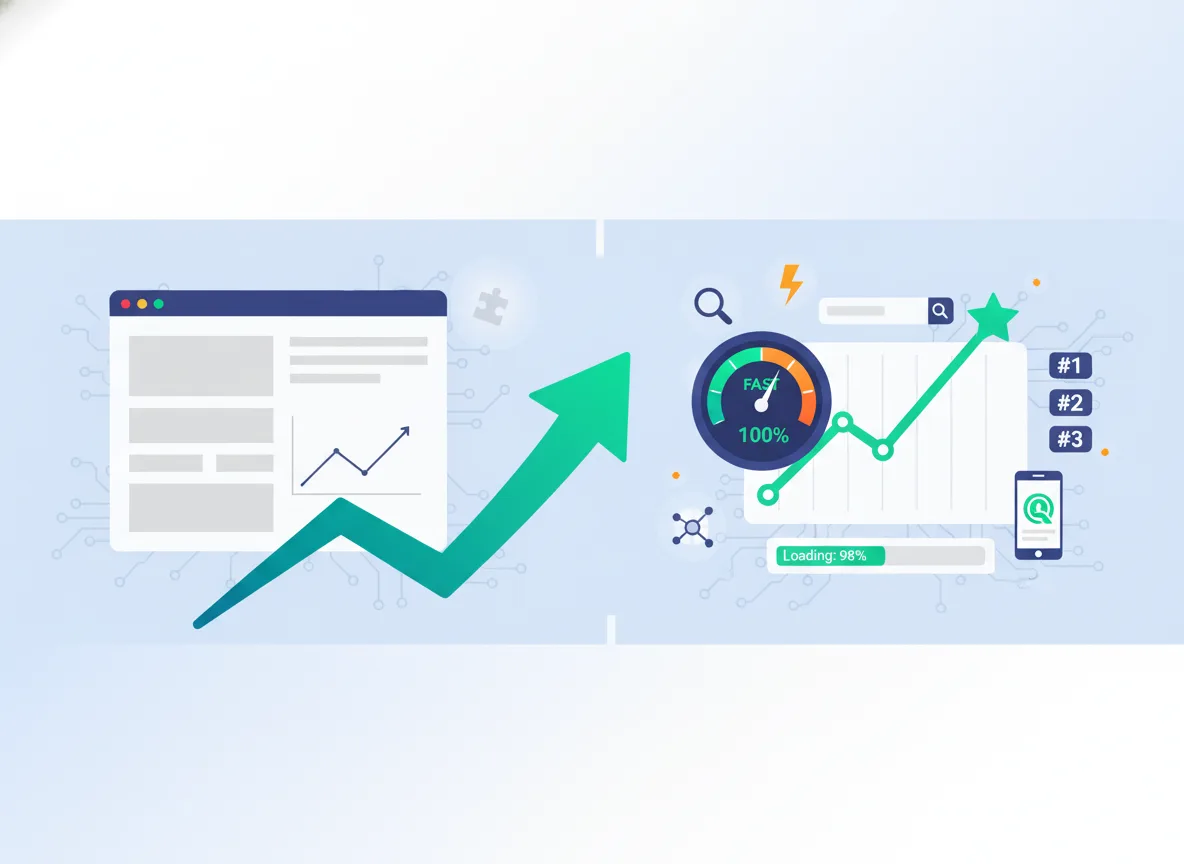
Q12. Will my website rank on Google with a website builder?
Yes, it’s possible to rank on Google using any major website builder, but the difficulty depends on how much technical optimization the platform allows.
Search rankings rely heavily on:
☑ Fast loading speed
☑ Clean site structure
☑ Mobile responsiveness
☑ Quality content
☑ Backlinks from reputable sites
Website builders like Wix, Shopify, and Squarespace can rank, but your SEO control is limited compared to platforms like WordPress, which allow deeper optimization, custom schema, caching control, and faster hosting setups. For competitive industries, having full technical control often makes a noticeable difference.
Q13. Are website builders fast enough for business websites?
Performance varies by platform, template, and how the site is built.
General trends seen across many independent tests:
☑ WordPress (with good hosting) and Shopify tend to deliver faster loading times, especially on content-heavy or e-commerce sites.
☑ Wix and other drag-and-drop builders can be slower because:
☑ They load more scripts in the background
☑ Some templates are heavy
☑ Media files aren’t always optimized by default
Speed can still be good on any platform if you:
☑ Compress images
☑ Use a lightweight theme
☑ Avoid excessive apps or plugins
But for maximum long-term performance, WordPress and Shopify usually maintain an edge.
Q14. What happens if my business outgrows the platform?
As your business grows, you may eventually need:
☑ Custom features
☑ Advanced SEO control
☑ Faster performance
☑ Integrations with CRM, automation, or enterprise tools
When a platform begins to limit you, you can migrate or rebuild on a more scalable system.
Common growth paths include:
☑ Moving from Wix → WordPress for better SEO and flexibility
☑ Moving from Squarespace → WordPress for custom features
☑ Moving from WordPress → Shopify if your business becomes heavily e-commerce focused
Agencies like Pixwelz LTD regularly help businesses transition from DIY builders to fully optimized, high-performing websites built for long-term growth.
DIY tools are perfect for starting, but they aren’t always enough for scaling. Migration ensures your website can keep up with your business.
Trust, Security & Ownership
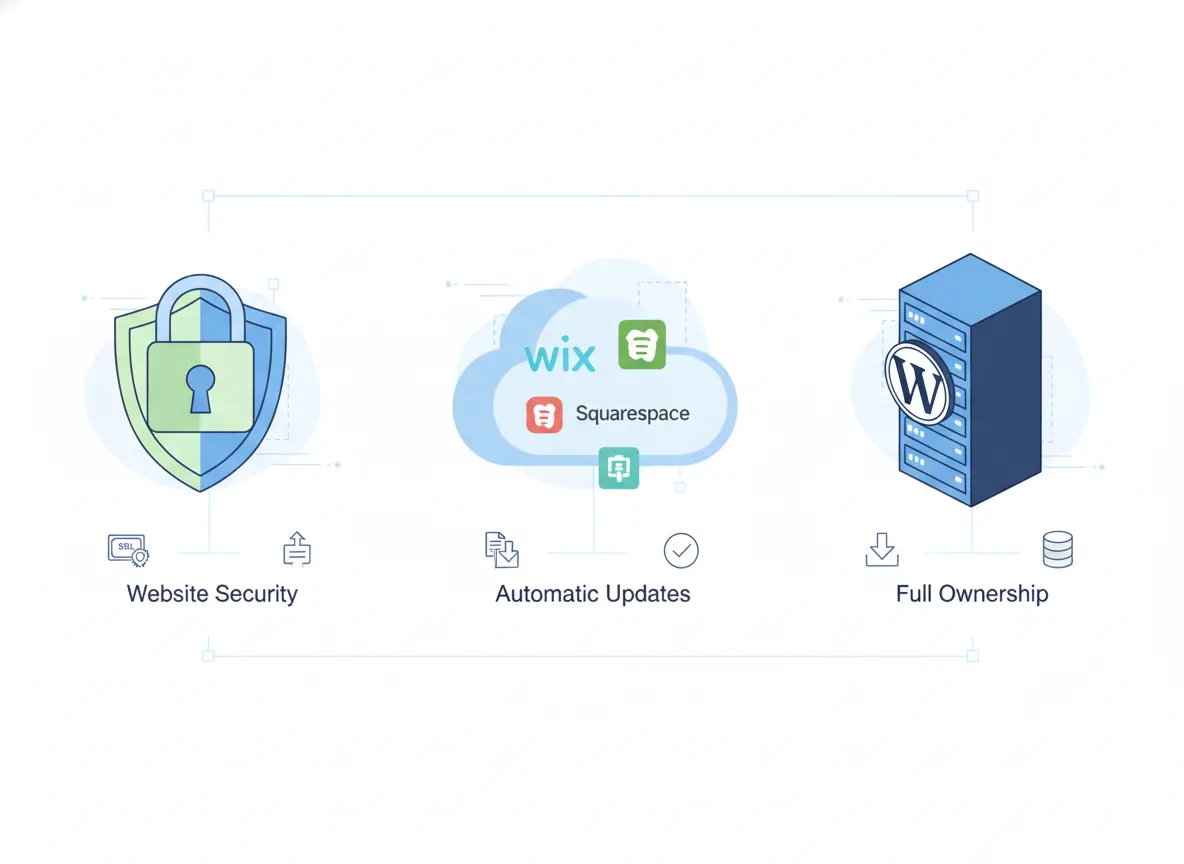
Q15. Do I own my website if I use a website builder?
When using a website builder, you own the content you create, such as text, images, and branding materials, but you do not own the underlying platform, hosting environment, or proprietary technology the website runs on.
Here’s what that means in practice:
☑ On platforms like Wix, Shopify, or Squarespace, your site exists within their ecosystem. You can export certain content, but not the entire website structure or codebase.
☑ With WordPress (self-hosted), you have full ownership because:
☑ You choose your hosting
☑ You control all files
☑ You can download, move, or modify everything freely
If complete ownership and portability are important for your long-term business plans, WordPress provides the strongest foundation.
Q16. Are website builders secure?
Yes, website builders are designed with security in mind, and they typically handle the technical side for you.
Hosted platforms (Wix, Shopify, Squarespace) usually provide:
☑ Automatic updates
☑ Built-in SSL
☑ Server-level protection
☑ DDoS protection
☑ Managed security patches
Since they control the whole environment, they reduce the risk of user-side misconfigurations.
WordPress, however, works differently because it’s self-hosted.
Your site’s security depends on:
☑ The quality of your hosting provider
☑ Your plugins and themes
☑ Regular updates
☑ Proper security configuration (firewalls, backups, monitoring)
WordPress can be very secure, but it requires active maintenance.
Q17. Can I back up or export my website?
Yes, but your options depend on the platform:
☑ Wix, Shopify, Squarespace, and WordPress
These platforms allow exporting content (blogs, products, and some pages), but you cannot export the full design or template. If you switch platforms, the front-end layout typically needs rebuilding.
Offers full backups and complete exports, including:
☑ Database
☑ Media
☑ Themes
☑ Plugins
☑ Custom layouts
Backup plugins and hosting tools make it easy to save and restore your entire site whenever needed.
If long-term portability or migration flexibility matters, WordPress provides the most control.
Growth & Next Steps
Q18. When should I hire a professional instead of using a website builder?
Website builders are excellent for getting started, but there are clear moments when a professional team becomes the smarter investment.
You should consider hiring an expert when:
☑ You need stronger SEO performance
Professionals can optimize site architecture, structured data, speed, and technical SEO in ways most builders can’t match.
☑ Your brand needs a unique, polished identity
Template-based designs work for simple sites, but custom design elevates credibility and conversions.
☑ Your website feels slow or limited
Developers can optimize hosting, code, and performance far beyond drag-and-drop tools.
☑ You’re preparing to scale the business
Growth requires flexible integrations, custom features, automation, and long-term maintainability.
Many businesses begin with Wix, Squarespace, or Shopify and later upgrade to a professionally built WordPress or custom site once they realize their platform is holding them back. Agencies like Pixwelz LTD help clients transition from DIY builders to high-performance, scalable websites tailored for conversion and long-term growth.
Still unsure which website platform fits your business?
Choosing the right website builder shapes how your brand looks, how fast your site loads, and how easily you can grow. If you want expert guidance, custom recommendations, or a platform migration that protects your SEO, Pixwelz LTD can help.
Get personalized advice based on your goals, budget, and long-term growth plan.
.svg)
.svg)
.svg)
.svg)