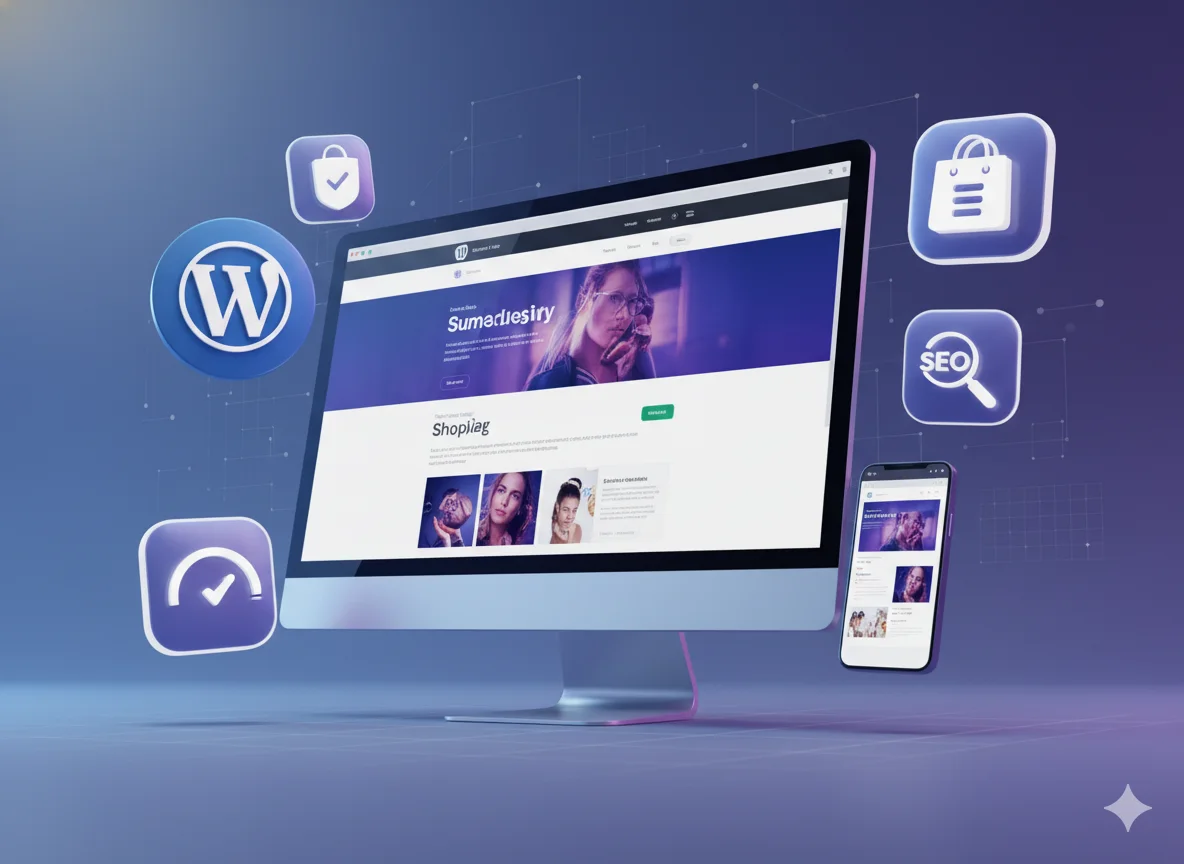
Are you a business owner looking to create or rebuild your company website in 2026? Choosing the right website builder is among the most important decisions you’ll make. The right platform determines how easily you can manage content, scale your site, optimize for search engines, and ultimately convert visitors into customers.
As a seasoned digital agency, Pixwelz LTD has helped dozens of businesses choose and implement the right builder for their needs. This guide reflects not only publicly available data and industry trends, but also real-world experience helping clients maximize their online presence.
Why Website Builders Matter for Business Owners
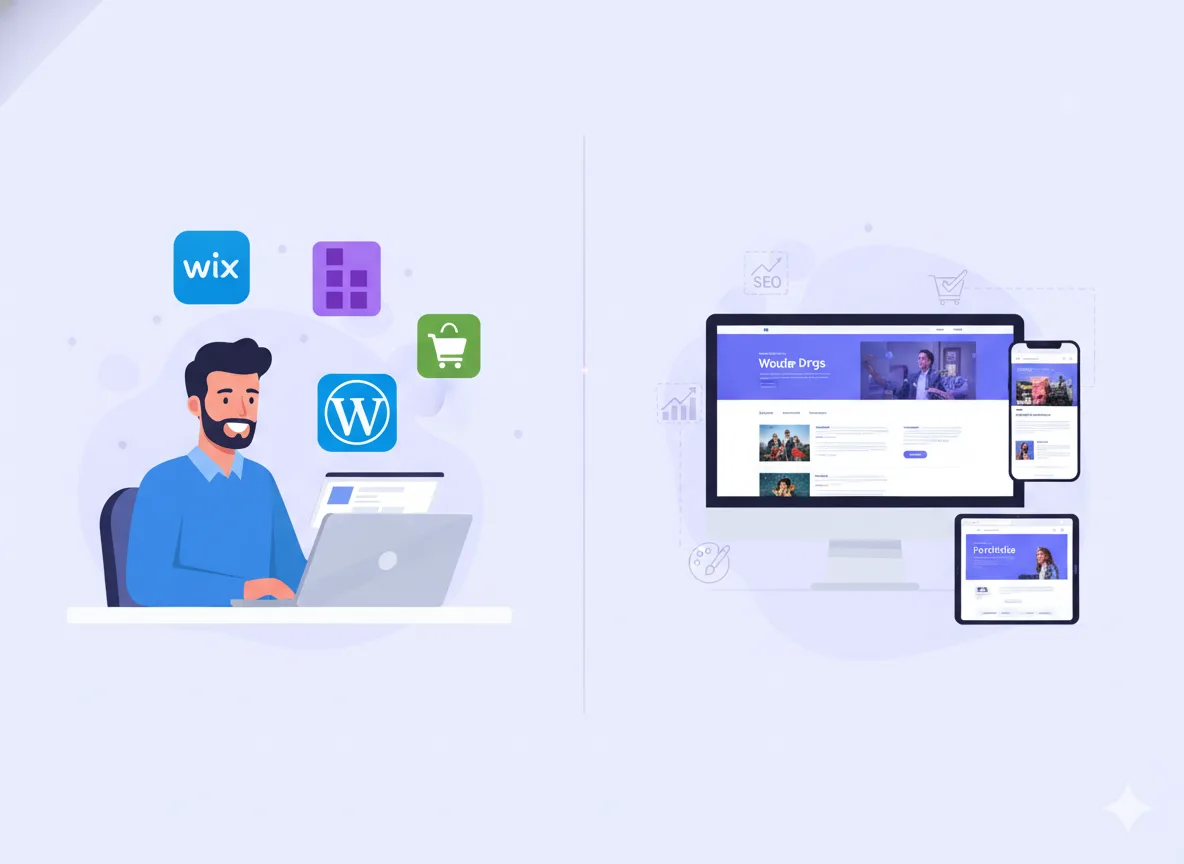
If you’re running a business in 2026, a website is no longer optional; it’s a foundational part of your brand’s identity, lead-generation engine, and trust signal. Whether you’re a solopreneur, small business, or growing enterprise, the choice of website builder can make or break your online success.

DIY vs Professional-What’s the Real-World Difference
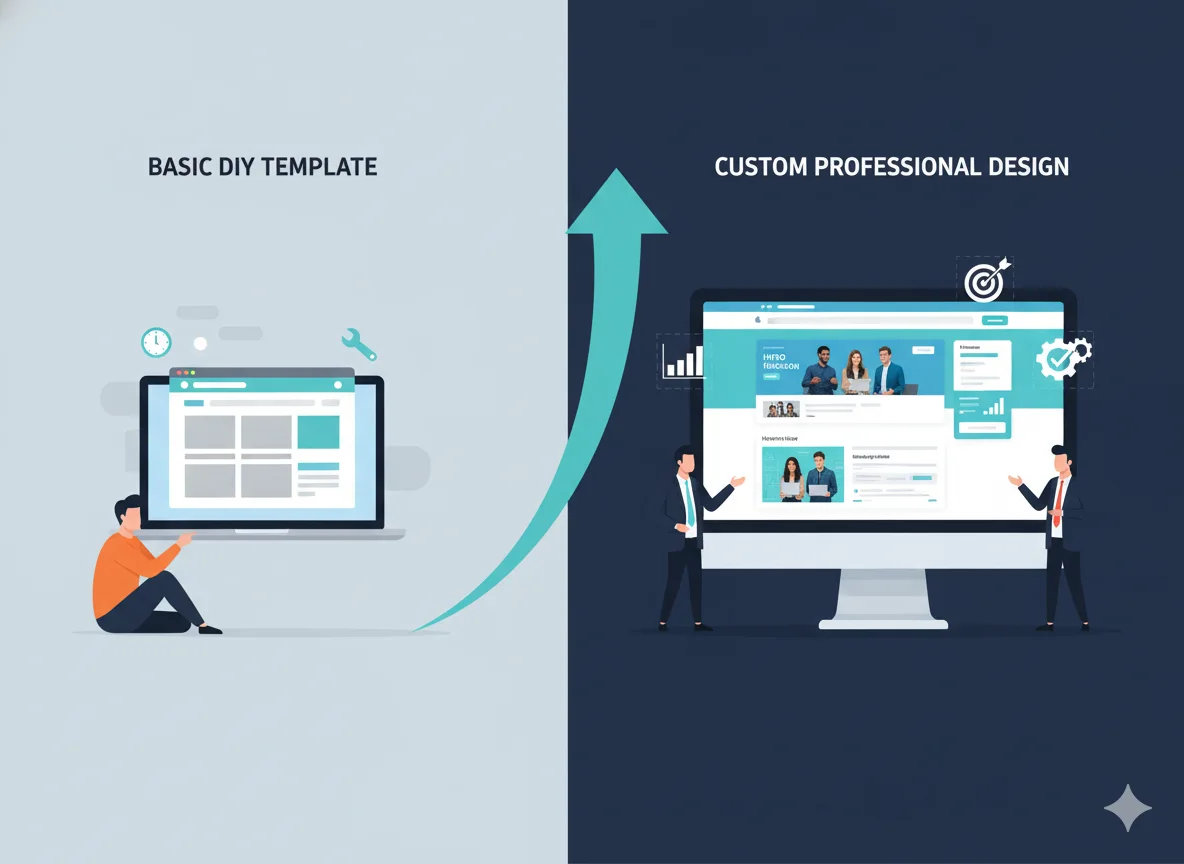
Many business owners consider building their website themselves (DIY) to save costs. Others hire professionals (or agencies) to handle the build. The difference in outcome and return on investment can be significant.

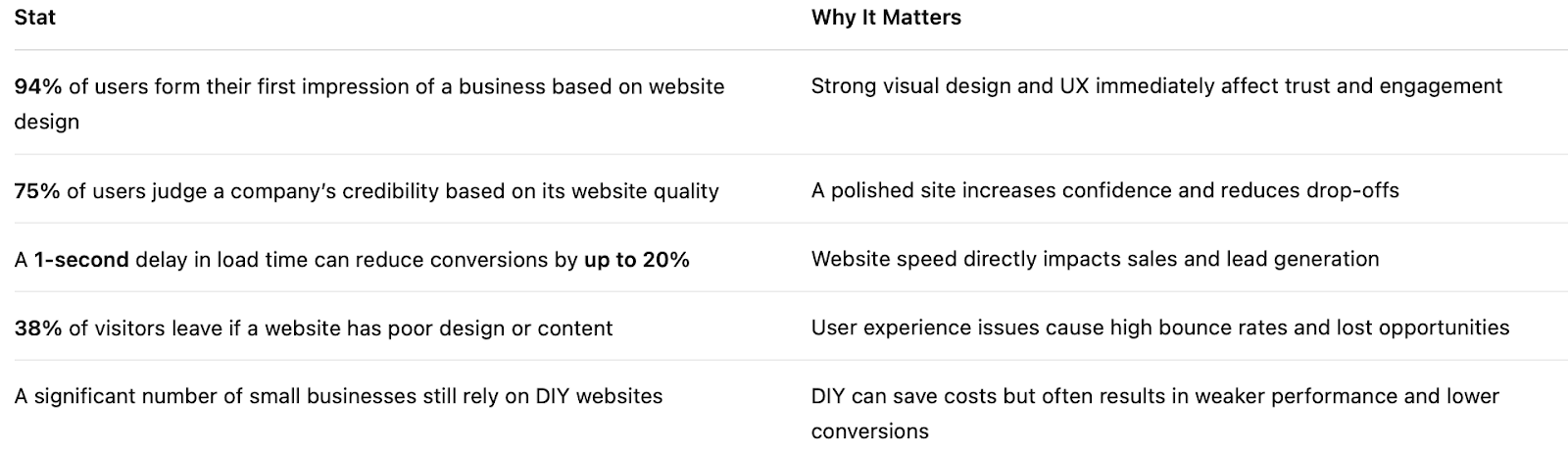
Quick Stats Every Business Owner Should Know
What Are Website Builders?
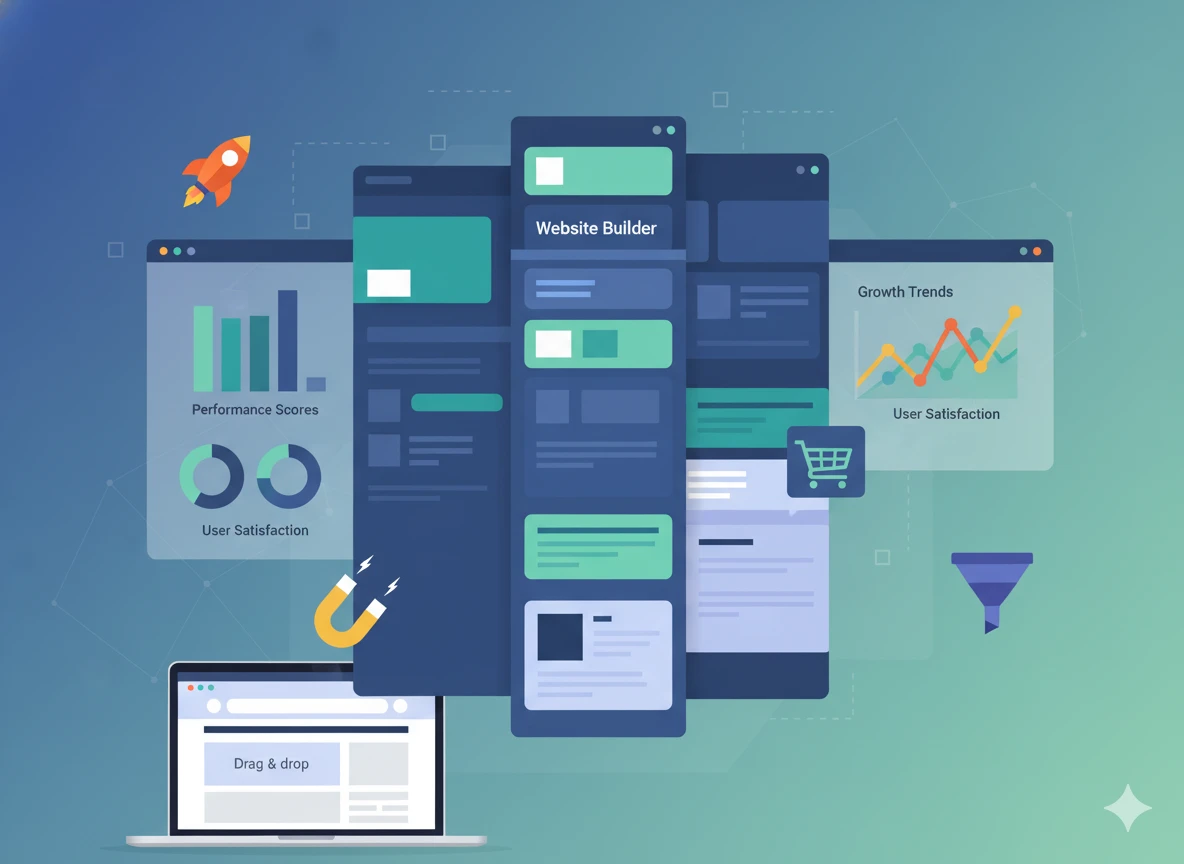
Website builders are platforms that allow individuals and businesses to create websites without needing to write code manually. They package all the essential elements of web development, design tools, hosting, content management, and integrations into a single, user-friendly system.
Hosted Website Builders (All-in-One Platforms)
Hosted website builders are “all-in-one” systems where the platform manages everything for you: the infrastructure, hosting, security, updates, and design tools.
Examples include: Wix, Squarespace, Shopify, and Webflow.
Key Characteristics
✔️ No hosting setup required: Hosting is included by default.
✔️ Drag-and-drop editors: Visual editing for pages, layouts, and design.
✔️ Built-in templates: Professionally designed layouts for quick starting points.
✔️ App/Plugin marketplaces: Add features like forms, CRM, bookings, or eCommerce.
✔️ Managed security + updates: The platform automatically handles performance and protection.
Self-Hosted Website Builders (Advanced + Flexible)
Self-hosted builders run on platforms where you control the hosting environment. They provide far more customization, scalability, and extensibility, but require more technical setup.
The most popular example: WordPress (self-hosted version).
Key Characteristics
✔️ Hosting chosen separately: You pick your hosting provider (e.g., SiteGround, Cloudways).
✔️ Full access to code & backend: Ideal for developers or professional agencies.
✔️ Plugins & themes ecosystem: Thousands of extensions for SEO, security, design systems, funnels, and more.
✔️ Unlimited customization: From small niche features to enterprise-level systems.
✔️ Higher responsibility: You manage updates, security, backups, performance tuning, and scalability.
What Do Website Builders Typically Include?
Regardless of the type, most website builders share a core set of features:
✔️ Templates and Themes:
Ready-made layouts for homepages, services, blogs, and eCommerce.
✔️ Drag-and-Drop Design Tools:
Visual editing so business owners can modify pages without coding.
✔️ Plugins, Apps, or Integrations:
For adding functionality like booking systems, email marketing, payments, analytics, or SEO tools.
✔️ Built-in Hosting (for hosted builders):
Automatic handling of servers, uptime, bandwidth, and updates.
✔️ Content Management System (CMS):
Manage pages, blogs, media, and product catalogues from a dashboard.
DIY Builders vs Professional CMS Setups
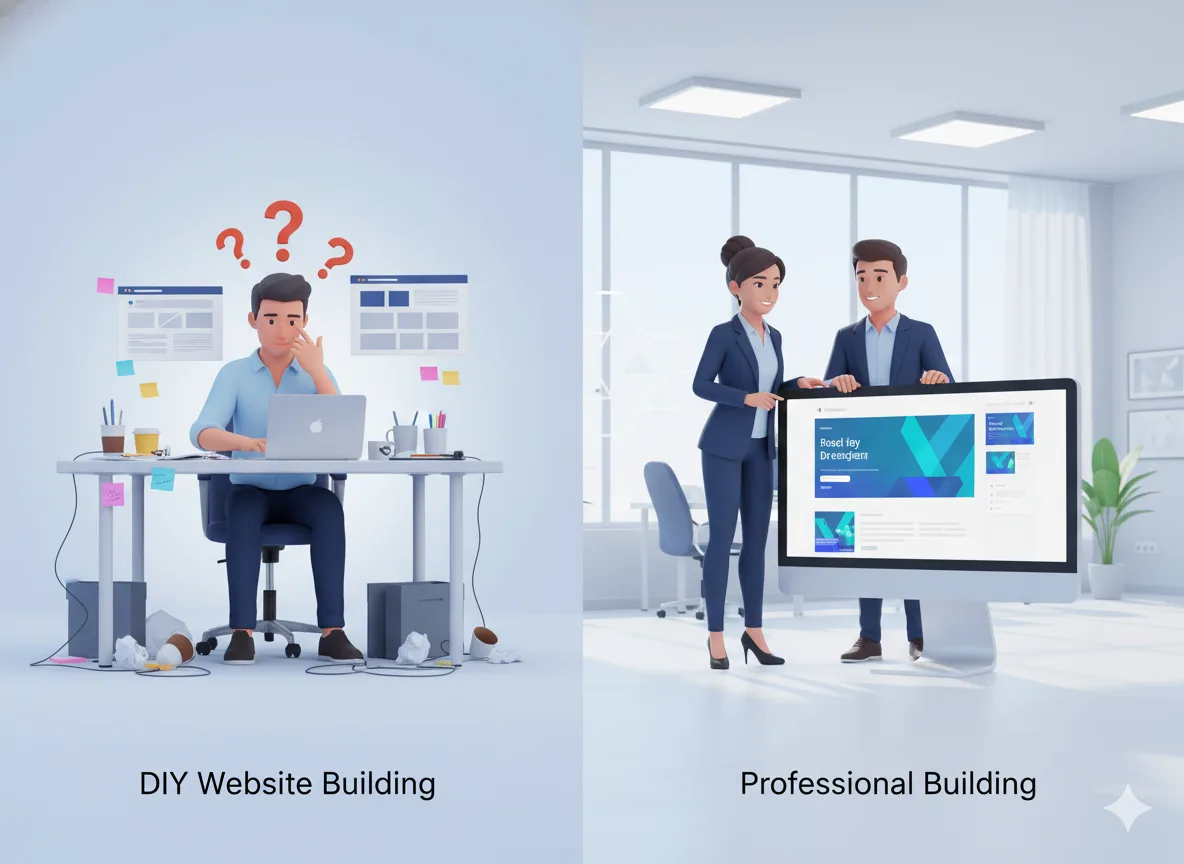
DIY Builders (Wix, Squarespace, Shopify, etc.)
✔️ Built for simplicity
✔️ Easy drag-and-drop
✔️ Limited backend access
✔️ Great for quick launches
✔️ Ideal for smaller sites or owners who want full control without hiring developers
Professional CMS Setups (WordPress, Webflow when agency-built, custom setups)
✔️ Built for performance, customization, and scalability
✔️ Allows deep technical optimization (SEO, speed, integrations)
✔️ Stronger long-term flexibility
✔️ Requires expert setup for best results
✔️ Ideal for businesses serious about growth, ranking, lead generation, and authority
Types of Website Builders
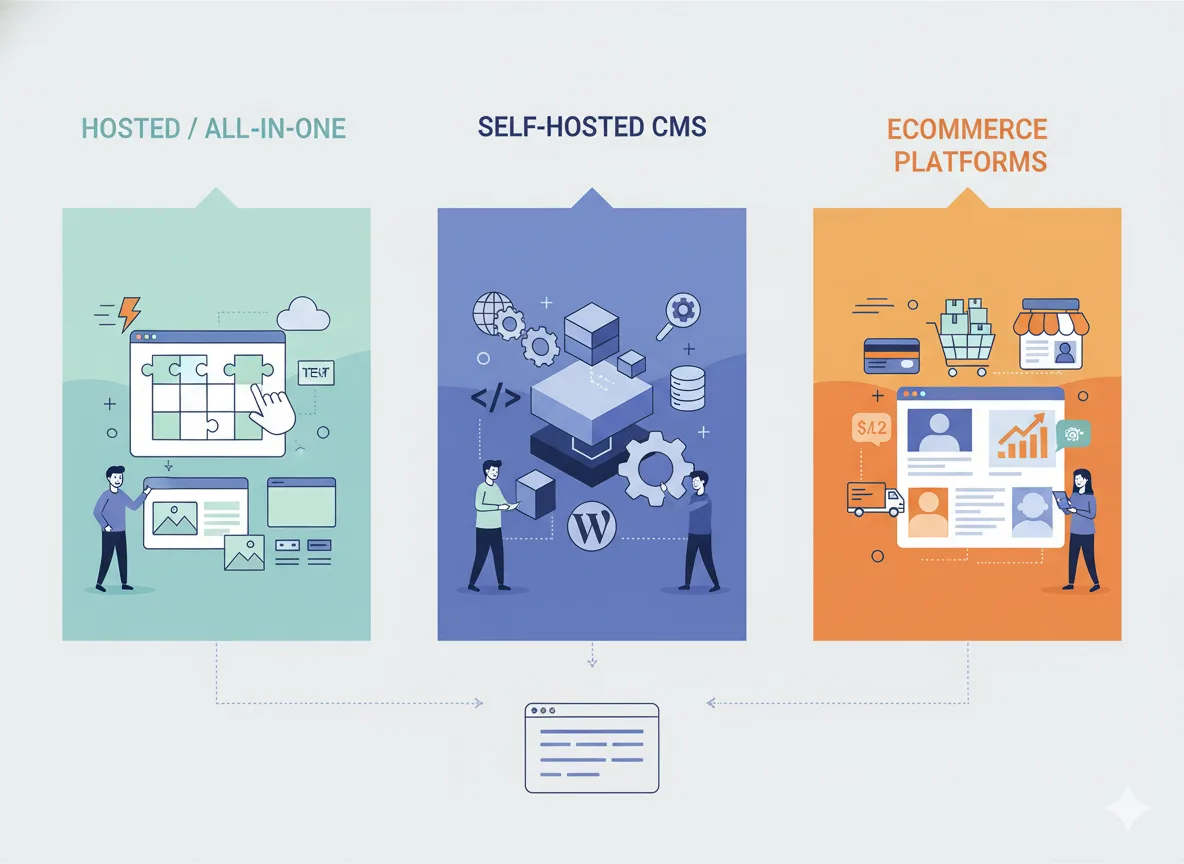
Choosing the right website builder starts with understanding the different categories available today. Each type serves a different business goal, from quick DIY setups to enterprise-level scalability. Below is a clear breakdown to help you match your needs with the right platform.
Hosted / All-in-One Website Builders
Examples: Wix, Squarespace
Hosted builders are designed for simplicity and speed. They provide everything: hosting, templates, security, and updates in one dashboard. You don’t manage servers or install software.
Why Businesses Choose Them
✔️ Fast setup: Launch a website in days, not weeks.
✔️ Beginner-friendly: Drag-and-drop editors with no coding required.
✔️ All-in-one support: Hosting, security, and updates handled by the platform.
Limitations
✔️ Restricted flexibility: You’re limited to what the platform allows, especially in SEO, custom integrations, and backend access.
✔️ Platform lock-in: Migrating away can be difficult.
✔️ Scaling challenges: Complex features, custom funnels, or large content libraries can be limiting.
Self-Hosted CMS (Open, Flexible, Scalable)
Example: WordPress (self-hosted)
WordPress remains the world’s most popular website platform due to its flexibility, extensive plugin ecosystem, and unmatched SEO potential.
Why Businesses Choose It
✔️ Full control: Hosting, performance, design, and functionality are customizable.
✔️ Enterprise-level flexibility: Ideal for blogs, funnels, multi-service websites, membership sites, or complex business models.
✔️ SEO powerhouse: Advanced URL structure, schema, content tools, and optimization capabilities.
✔️ Massive ecosystem: 50,000+ plugins, theme frameworks, and extensions.
Limitations
✔️ Requires setup: Needs proper installation, hosting configuration, and security layers.
✔️ Needs maintenance: Updates, backups, and performance optimization must be managed.
✔️ Best with expert help: Most business owners need an agency for professional development.
eCommerce-Specific Website Builders
Example: Shopify
Shopify is purpose-built for online stores and continues to dominate the global e-commerce landscape due to its ease of use, security, and robust integration ecosystem.
Why Businesses Choose It
✔️ Fast-growing eCommerce leader: Optimized for checkouts, payments, and product management.
✔️ Strong retail ecosystem: Apps, POS systems, inventory tools, and automation integrations.
✔️ Highly secure: PCI compliance, fraud protection, and robust uptime.
✔️ Conversion-focused templates: Designed specifically for increasing sales.
✔️ Dropshipping-friendly: Deep integrations with suppliers and fulfilment tools.
Limitations
✔️ Monthly app costs add up: Extensions can become expensive.
✔️ Limited backend customization: Especially compared to WordPress.
✔️ Content-heavy sites need custom development: Shopify is built for products first, content second.
Build Trust Through Proof
📁 View Our Portfolio - See How Pixwelz Builds High-Performing Websites
Showcasing real projects helps business owners see what strategic design, proper platform selection, and professional development can achieve.
Pros & Cons of DIY vs Professional Build
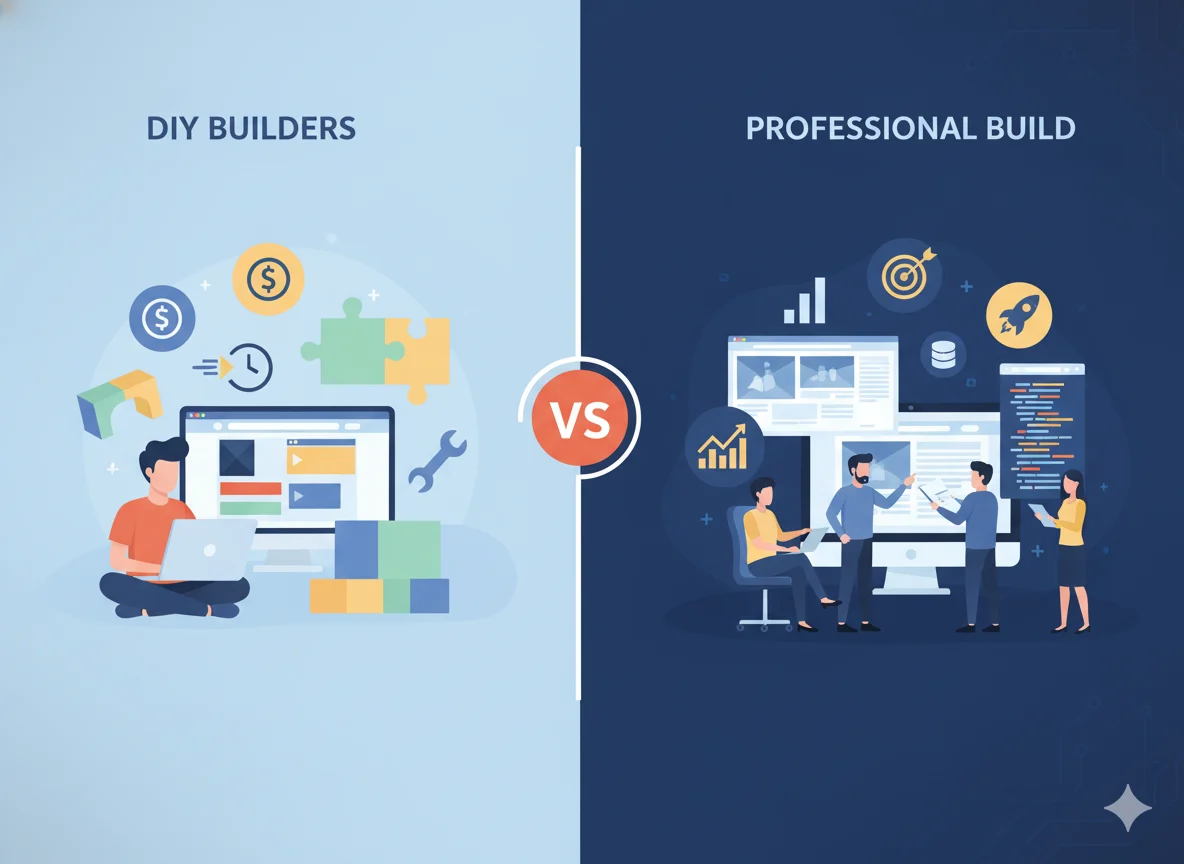
Business owners often start by asking one key question: Should I build my website myself or hire professionals? Both paths can work, but they produce very different outcomes. Here’s a clear, straightforward breakdown to help you choose the right approach.
DIY Website Build
Best For: Very small businesses, early-stage startups, temporary sites, or simple one-page websites.
DIY Pros
1. Low Upfront Cost
DIY platforms (Wix, Squarespace, Shopify Basic) offer predictable, affordable monthly plans. Ideal when the budget is limited.
2. Fast Launch
You can launch a basic website in hours or days using templates and drag-and-drop builders.
3. Full Owner Control
No developer dependency for quick edits or content updates.
DIY Cons
1. Limited Scalability
Once your business starts growing, DIY platforms struggle with:
✔️ Advanced features
✔️ Custom funnels
✔️ Heavy content
✔️ Multi-service structures
✔️ Integration-heavy workflows
Most DIY sites eventually hit a wall requiring a rebuild.
2. SEO Limitations
DIY builders often restrict deeper SEO controls, like:
✔️ Technical SEO structures
✔️ Schema customization
✔️ Advanced URL handling
✔️ Performance tuning
✔️ Full control over scripts and bots
This can cap your long-term search growth.
3. Slower Page Speed
Drag-and-drop builders frequently load unnecessary code.
This causes:
✔️ Slower load times
✔️ Higher bounce rates
✔️ Lower conversions
Professional Website Build
Best For: Growing brands, service-based businesses, eCommerce stores, and companies serious about SEO, branding, and conversions.
Professional Build Pros
1. Custom UX/UI That Drives Results
Professionally built websites are designed around:
✔️ User behaviour
✔️ Conversion psychology
✔️ Clear navigation
✔️ Lead flows
2. Branding Integration
Every element can match your brand identity:
✔️ Colour system
✔️ Typography
✔️ Photography
✔️ Layout rules
✔️ Micro-interactions
3. Faster Conversions
Agencies build sites with:
✔️ Optimized CTAs
✔️ High-performing landing pages
✔️ Lead funnels
✔️ Speed optimization
✔️ Mobile responsiveness
4. Long-Term Scalability
A professional build grows with you, not against you.
You can add pages, services, features, and even shift your business model without rebuilding the entire site.
Professional Build Cons
1. Higher Upfront Cost
A professional build typically requires a larger investment at the start. However, it often saves money long-term by avoiding redesigns, fixing performance issues, and capturing more conversions earlier.
Bottom Line
✔️ DIY is fine for simple websites or early-stage projects.
✔️ Professional builds are the better long-term investment for businesses that care about credibility, SEO, performance, and conversions.
Website Builder Comparison - Wix vs WordPress vs Shopify (Hybrid)
.webp)
This hybrid comparison gives business owners the best of both worlds: a quick-glance table plus detailed insights.
Quick Comparison Table
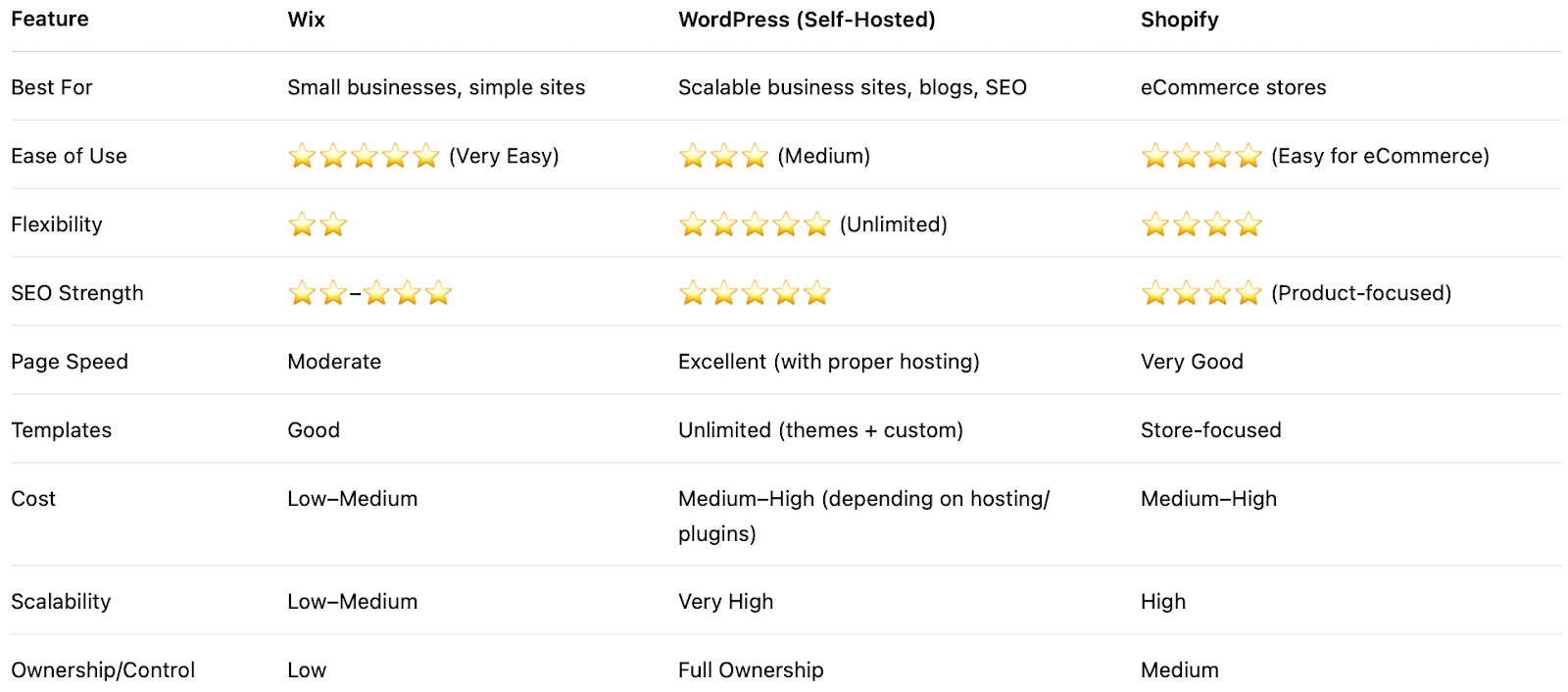
Wix - Fast, Simple, and Beginner-Friendly
Best for: Small businesses, freelancers, local services, and personal brands.
Strengths
✔️ Very easy drag-and-drop builder
✔️ All-in-one hosting + security
✔️ Good modern templates
✔️ Fast setup for simple sites
Limitations
✔️ Limited customization beyond templates
✔️ SEO controls are not as advanced as WordPress
✔️ Not ideal for long-term scaling
✔️ Harder to migrate away from
WordPress - The Most Flexible and SEO-Ready Platform
Best for: Growing businesses, content-heavy brands, agencies, and long-term SEO.
Strengths
✔️ Full design and backend customization
✔️ Largest plugin/theme ecosystem in the world
✔️ The strongest SEO capabilities
✔️ Scalable for blogs, multi-page sites, funnels, memberships, and more
✔️ Full ownership of data and structure
Limitations
✔️ Requires setup & maintenance
✔️ Best results require professional development
✔️ Hosting + security must be managed manually
Shopify - The Best Builder for eCommerce Growth
Best for: Online stores, retail businesses, multi-product brands, dropshipping.
Strengths
✔️ Optimized checkout and product management
✔️ Secure and reliable hosting
✔️ Large eCommerce app ecosystem
✔️ Supports POS integrations for retail
✔️ Strong multi-channel selling (Facebook, Instagram, TikTok, Amazon)
Limitations
✔️ Customization is limited to outside product pages
✔️ App costs can stack up
✔️ Content/blog system not as strong as WordPress
Website Builder Use Cases
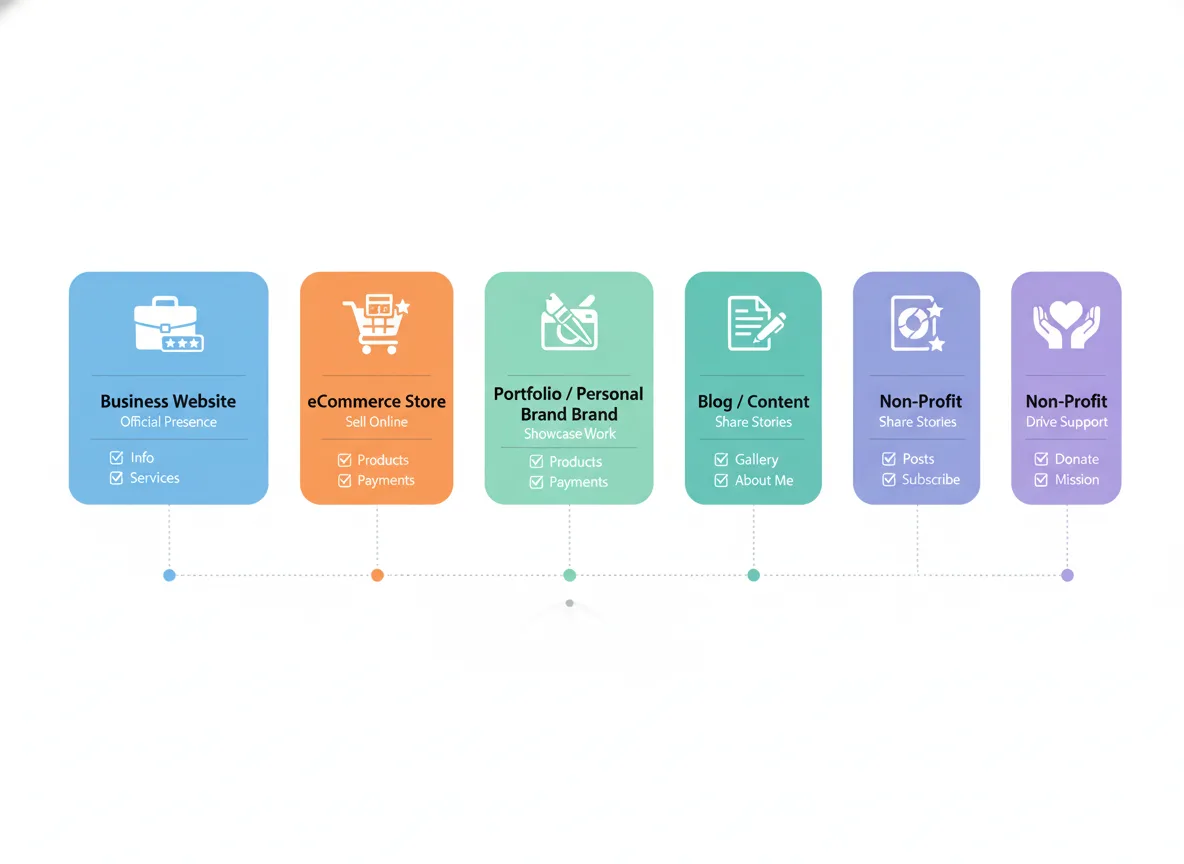
Every business has different digital needs, which means no single website builder is perfect for everyone. The right choice depends on your goals, content type, scalability needs, and how you plan to attract customers.
Business Website (Service Providers, Local Businesses, Agencies)
A business website needs credibility, clarity, and a conversion-focused structure.
What matters most:
✔️ Strong branding & professional visuals
✔️ Service pages + landing pages
✔️ Fast performance
✔️ Clear calls to action (book, contact, quote)
✔️ SEO control for local and national ranking
eCommerce Store (Physical Products, DTC Brands, Dropshipping)
eCommerce is performance-sensitive; your platform must handle speed, inventory, checkout flow, and marketing automation.
What matters most:
✔️ Fast, frictionless checkout
✔️ Inventory & product management
✔️ Payment gateways
✔️ Marketing tools (email, retargeting, upsells)
✔️ Security & uptime
Portfolio / Personal Brand (Creators, Designers, Coaches, Photographers)
Visual impact is everything for portfolios. Clean layouts, strong typography, and easy navigation help showcase expertise.
What matters most:
✔️ High-quality visuals
✔️ Smooth animations
✔️ Fast mobile rendering
✔️ Easy content updates
✔️ Personal branding consistency
Blog / Content Marketing (Publishers, Educators, SEO-driven brands)
Content-heavy sites need long-term structure and SEO scalability.
What matters most:
✔️ Blog architecture & taxonomy
✔️ Fast performance
✔️ SEO tools & schema
✔️ Editorial workflow
✔️ Content clusters & internal linking
Non-Profits / Donations (NGOs, Community Organizations, Fundraising)
Non-profits need clear messaging, emotional storytelling, and frictionless donation flows.
What matters most:
✔️ Donation gateway integration
✔️ Transparency & mission-driven design
✔️ Mobile responsiveness
✔️ Accessibility (WCAG)
✔️ Event management
Cost Breakdown of Popular Builders
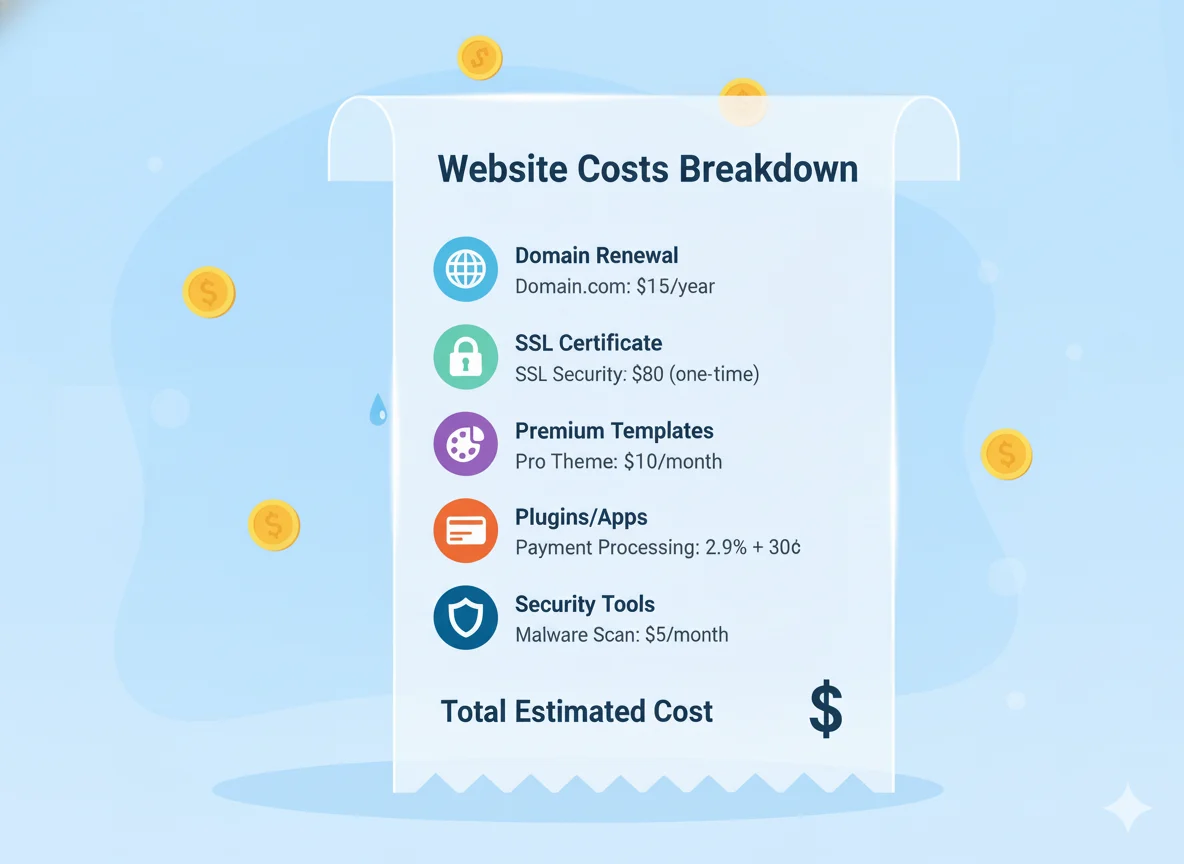
Hidden & Additional Costs to Consider
✔️ Domain renewal & SSL upgrades (if not included)
✔️ Premium templates or design frameworks
✔️ Paid plugins or apps (WordPress & Shopify especially)
✔️ Transaction fees for online payments
✔️ Security, backups, or performance tools
How to Choose the Right Website Builder
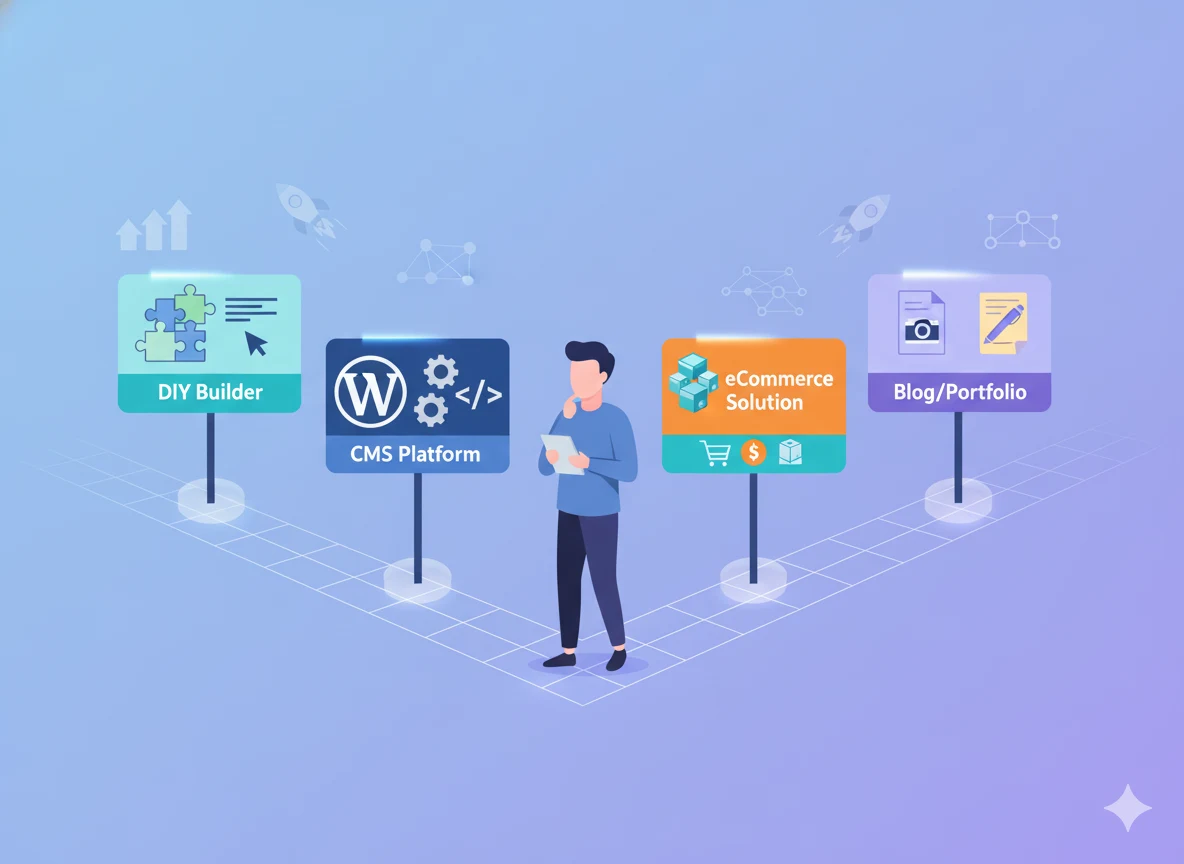
Choosing the right website builder is one of the most important decisions you’ll make for your online presence. The platform you select affects everything, from your branding to SEO performance, conversion rates, and long-term growth.
1. Start With Your Business Goals
Your website must directly support your business objectives. Clarify what the site needs to achieve, not just what it needs to look like.
If your goal is leads:
Choose a builder with strong SEO tools, fast performance, CRM integrations, and flexible landing page design. WordPress and Webflow are top choices here.
If your goal is online sales:
Shopify leads for eCommerce due to its built-in checkout, inventory tools, and apps designed for conversions.
If your goal is branding or portfolio showcase:
Wix, Squarespace, and Webflow offer beautiful visual control for creatives, service providers, and consultants.
If your goal is content marketing:
WordPress provides the strongest blog system, SEO structure, and publishing flexibility.
Your builder should match your primary growth strategy, not force you to redesign later.
2. Budget: Think Short-Term and Long-Term
Budgeting for a website is more than comparing subscription prices.
Short-term budget:
✔️ DIY builders cost less upfront.
✔️ Hosting or basic plans seem cheaper at first.
Long-term reality:
✔️ Businesses often outgrow simple builders quickly.
✔️ Premium apps, design limitations, and scaling challenges increase costs later.
✔️ Professional CMS setups (like WordPress) are cost-effective over the years due to full control and scalability.
3. Growth Potential & Scalability
Your website shouldn’t hold back your business growth.
Ask yourself:
✔️ Will this platform support 100 pages? 500?
✔️ Can I integrate advanced features later?
✔️ Will SEO performance remain strong as traffic grows?
✔️ Can I add funnels, automation, memberships, or new services without switching systems?
4. Required Features
Every business has unique functional needs. Your builder should support them natively, not through hacks or workarounds.
Key features to evaluate:
✔️ SEO tools: URL control, schema options, meta fields, blog quality, and speed performance.
✔️ eCommerce capabilities: Variants, checkout flow, payment integrations, shipping rules.
✔️ Integrations: CRM, email automation, analytics, booking systems, custom APIs.
✔️ Marketing tools: Blogging, landing pages, automation triggers, lead collection.
✔️ Design flexibility: Custom layouts, responsive control, branding options.
5. Ease of Use vs Professional Control
Business owners often choose ease first… and regret it when they hit limitations.
DIY Builders:
✔️ Easy to edit
✔️ Great for simple sites
✔️ Limited SEO and customization
✔️ Faster launch but less power long-term
Professional CMS (like WordPress + expert setup):
✔️ More control over UX, SEO, speed
✔️ Scales with business growth
✔️ Custom functionalities without platform constraints
✔️ Requires professional setup for best results
When to Switch from DIY to Professional Build
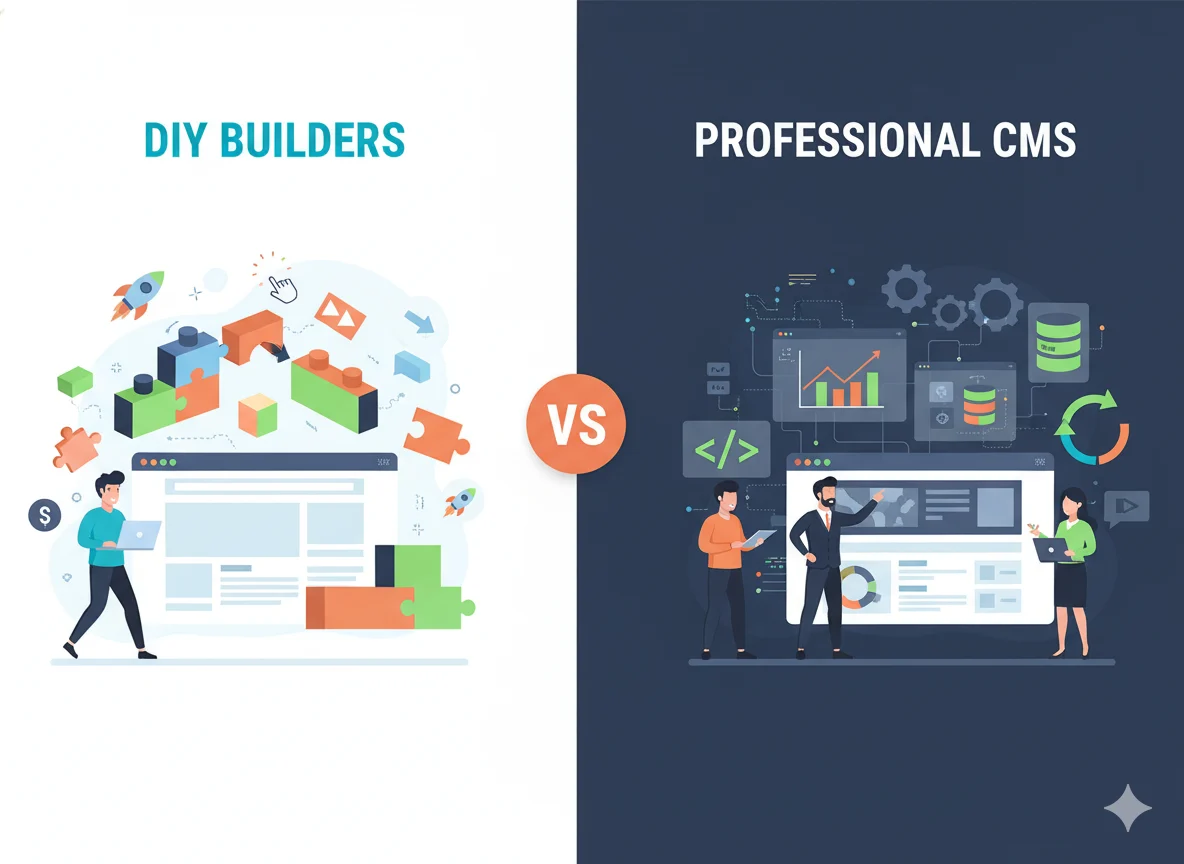
Many businesses start with DIY website builders, and that’s completely normal. They’re affordable, fast to launch, and great for getting an initial online presence. But as your business grows, your website needs to grow with it.
Here are the clear signs it’s time to transition from a DIY setup to a professionally built website.
Signs It’s Time to Move Beyond DIY
1. Your Website Isn’t Producing Leads or Sales
If traffic is steady but conversions stay low, the issue is usually:
✔️ Poor UX or layout structure
✔️ Weak calls to action
✔️ Slow performance
✔️ Non-optimized funnels
✔️ Limited SEO capabilities
2. You’re Hitting Functionality Limitations
Common limitations include:
✔️ Can’t integrate advanced tools or APIs
✔️ Limited design control
✔️ Restrictive SEO settings
✔️ Inability to build custom layouts or funnels
✔️ Template limitations are hurting branding
3. Your Website Loads Slowly or Scores Poorly on Performance Tools
Slow speed = high bounce rate.
DIY platforms often struggle with:
✔️ Heavy templates
✔️ Excess scripts
✔️ Shared hosting limits
✔️ Limited performance tuning options
4. Your Brand Has Outgrown the Template Look
If you’re upgrading your brand, adding services, or targeting a higher-level market, a generic DIY template won’t reflect your brand quality.
A custom build allows:
✔️ Unique branding
✔️ Custom UX journeys
✔️ Strategic content structure
✔️ Professional design polish
Steps to Transition to a Professional Website (The Right Way)
Switching doesn’t need to be stressful. Follow these steps for a smooth upgrade.
1. Backup All Your Content
Before migrating, ensure you have copies of:
✔️ Website text
✔️ Blog posts
✔️ Images and media
✔️ Branding assets
✔️ Forms and lead data
2. Map Out What You Need Next
Identify your future goals:
✔️ More leads
✔️ Higher conversions
✔️ Better SEO
✔️ Faster performance
✔️ Stronger branding
3. Plan the Migration Carefully
A smooth migration includes:
✔️ Rebuilding core pages
✔️ Designing new UX paths
✔️ Redirect mapping (to preserve SEO)
✔️ Rebuilding blog content
✔️ Recreating forms and funnels
4. Hire Experts - Not Just Developers, But Strategists
A full-stack agency like Pixwelz LTD handles:
✔️ UX strategy
✔️ Custom UI design
✔️ SEO-optimized structure
✔️ High-performance development
✔️ Brand-consistent visuals
5. Launch & Optimize Continuously
After launch, continue improving:
✔️ SEO tweaks
✔️ New landing pages
✔️ Performance tuning
✔️ A/B testing
✔️ Content updates
How Pixwelz Can Help

Choosing the right website builder is only the first step. To turn that platform into a high-performing business asset, you need expert execution, and that’s where Pixwelz LTD delivers transformational impact.
Professional WordPress & Shopify Builds
We specialize in the two most powerful platforms for business owners in 2026:
WordPress (self-hosted)
Perfect for businesses that need advanced flexibility, SEO power, integrations, content marketing, or long-term scalability.
Our builds include:
✔️ Custom theme development
✔️ High-performance hosting setup
✔️ Security and speed optimization
✔️ Custom post types, funnels, lead systems
✔️ Full CMS training for your team
Shopify (for eCommerce brands)
Ideal for product-first businesses ready to scale online sales.
Our Shopify services include:
✔️ Conversion-driven storefront design
✔️ Custom product templates
✔️ App integrations & automation
✔️ Checkout optimization
✔️ Inventory, POS, and fulfilment setup
Custom UX/UI Design With Brand Integration
Your website isn’t just a digital brochure; it’s a full brand experience.
Pixwelz creates tailored UI systems that:
✔️ Reflect your brand identity
✔️ Build instant trust
✔️ Reduce friction
✔️ Guide users toward action (calls, forms, purchases)
SEO-Friendly Architecture From Day One
A beautiful website is useless if no one can find it.
We build all sites with SEO essentials baked in:
✔️ Clean code & fast-loading structure
✔️ Schema markup integration
✔️ SEO-ready URL architecture
✔️ Core Web Vitals optimization
✔️ Clean blog/content hierarchy
Proven Portfolio & Client Success Stories
Pixwelz has delivered websites across industries, such as SaaS, real estate, eCommerce, services, agencies, lifestyle brands, and more.
Our work consistently helps clients:
✔️ Increase conversions
✔️ Boost organic traffic
✔️ Improve brand credibility
✔️ Reduce bounce rates
✔️ Generate more leads and sales
FAQs
1. Which builder is best for a small business?
Wix or Squarespace for quick DIY; WordPress for long-term growth and SEO.
2. Can I migrate from Wix to WordPress easily?
Yes, but not automatically; content must be manually transferred or handled by a professional.
3. How much does a professional website cost?
Typically ranges from $800–$5,000+, depending on features, pages, integrations, and custom design needs.
4. Do I need Shopify if I sell only a few products?
Not always does WordPress + WooCommerce work well for small product catalogues. Shopify is best when scaling.
5. What are the SEO differences between website builders?
WordPress offers the most advanced SEO control; Shopify has strong eCommerce SEO; Wix/Squarespace have solid basics but less flexibility.
Conclusion
Choosing the right website builder is ultimately about choosing the right path for your business goals. Wix is ideal for quick DIY setups, WordPress offers the best long-term scalability and SEO power for growing businesses, and Shopify remains the top choice for eCommerce brands that want reliable, conversion-ready storefronts.
If you want your website to perform at a professional level with custom UX/UI, strategic architecture, and real growth potential, Pixwelz LTD can help you build it the right way.
.svg)
.svg)
.svg)
.svg)