.webp)
Many small businesses begin their online journey on Wix, and for good reason. It’s simple, fast to set up, and doesn’t require technical skills. But as a business starts to grow, those same strengths can quickly turn into limitations: sluggish load times, rigid templates, weak SEO flexibility, and a dashboard that makes scaling feel like a struggle rather than a strategy.
Everything changed the moment they rebuilt their site on WordPress with Pixwelz LTD.
Within just 90 days, BrightNest Services saw a dramatic increase in performance, including a 3× jump in qualified leads, faster load times, higher search visibility, and a smoother customer journey that made every marketing channel more effective.
This case study breaks down exactly how the migration from Wix to WordPress unlocked scalable growth, what challenges were uncovered, and how Pixwelz delivered a modern, conversion-driven website built for long-term results.
Why This Business Needed More Than a DIY Website Builder
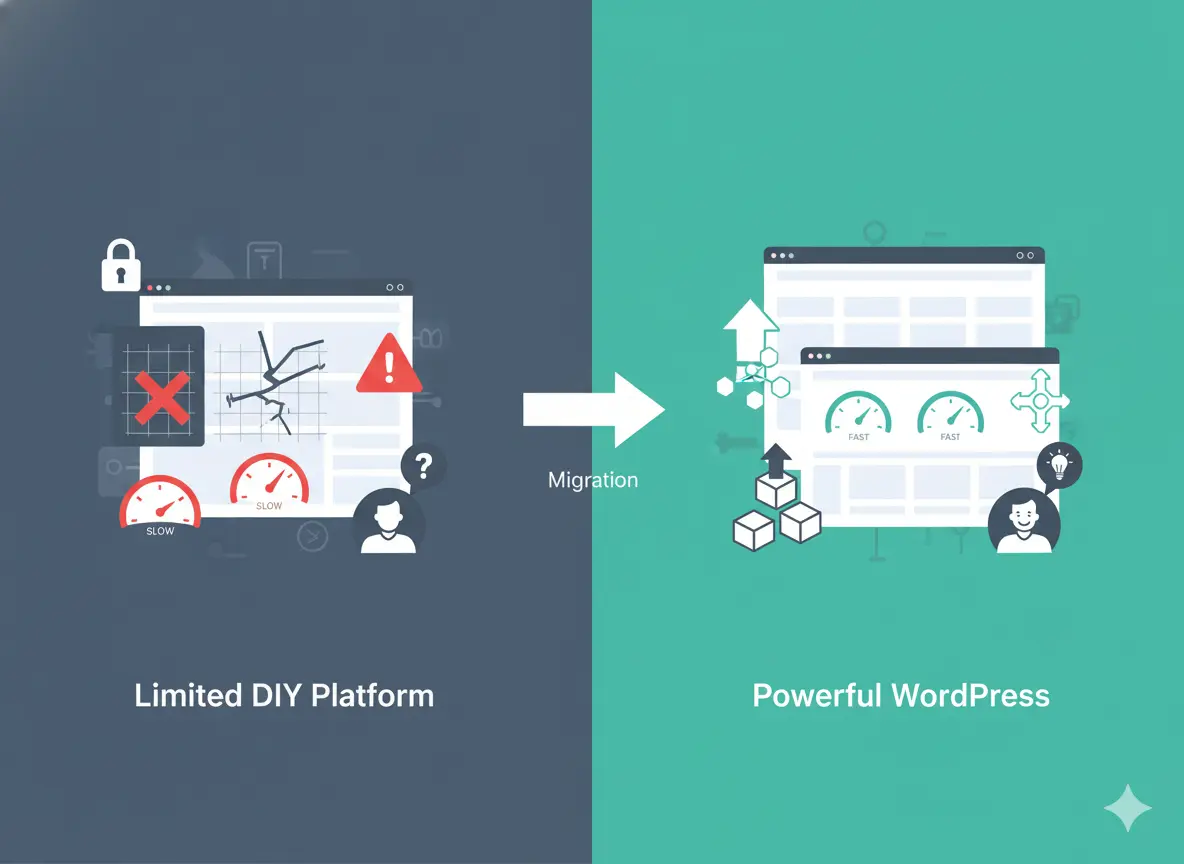
For years, BrightNest Services relied on a basic Wix website to manage its online presence. It worked well enough when their customer base was small, their competition was low, and their service area was limited.
Limited Customization Was Holding Back Conversion Rates
The Wix templates they used were visually appealing but rigid. The business wanted to test new landing page formats, add trust-building elements, integrate dynamic content, and create dedicated funnels for different services.
SEO Flexibility Became a Major Roadblock
As competitors invested in SEO, BrightNest fell behind. They needed better control over technical SEO, faster page speed, schema markup, advanced metadata handling, crawl control, and plugin-based optimizations.
Slow Load Times Affected Both User Experience and Rankings
Even with minimal content, the Wix site was loading slower than industry benchmarks. This impacted bounce rates and made their paid ads less efficient. Their mobile performance was especially weak, causing drop-offs during peak traffic hours.
They Needed Integrations That Wix Couldn’t Power
To scale, the business wanted seamless integration with email automation tools, booking systems, CRM platforms, and advanced analytics. Wix supported some of these, but the integrations were limited, expensive, or lacked the depth needed for serious growth.
Marketing Costs Were Rising, but Results Weren’t
The team was spending more on ads but wasn’t seeing proportional returns. Their Wix setup made optimization difficult, and the biggest bottleneck was clear: the website itself. Without a scalable foundation, every marketing effort hit a ceiling.
The business didn’t just need a prettier site; they needed a more flexible, faster, and SEO-optimized platform that could support real growth. That’s where WordPress and Pixwelz LTD came in.
The Limitations of Wix (The Before State)
Before migrating to WordPress, BrightNest Services depended heavily on its Wix website, but as the business evolved, the platform’s limitations became impossible to ignore. While Wix is great for simple starter sites, it struggles to support the performance and flexibility needed for a growing service business.
Slow Site Speed Was Hurting Conversions
Even after compressing images and simplifying layouts, the site consistently loaded slower than expected. Wix’s built-in architecture and code-heavy templates made it difficult to get pages below modern speed benchmarks.
Limited SEO Control, Restricted Growth
BrightNest needed stronger control over technical SEO things like advanced metadata, structured data, indexing rules, and server-level performance optimization. Wix offered surface-level SEO features but lacked the deeper, fine-tuned controls required to compete in a crowded local market.
Template Constraints Blocked Customization
The business tried redesigning its service pages and CTAs, but Wix’s template system made advanced customization almost impossible. They couldn’t build unique landing pages for different services, test variants, or add complex UI components that support higher conversion rates.
Mobile UI Didn’t Match User Expectations
Most of BrightNest’s customers searched from mobile devices, yet the Wix mobile version always felt slightly off spacing issues, inconsistent layouts, and elements that didn’t scale smoothly. Even minor adjustments required manual edits that were time-consuming and often inconsistent across pages.
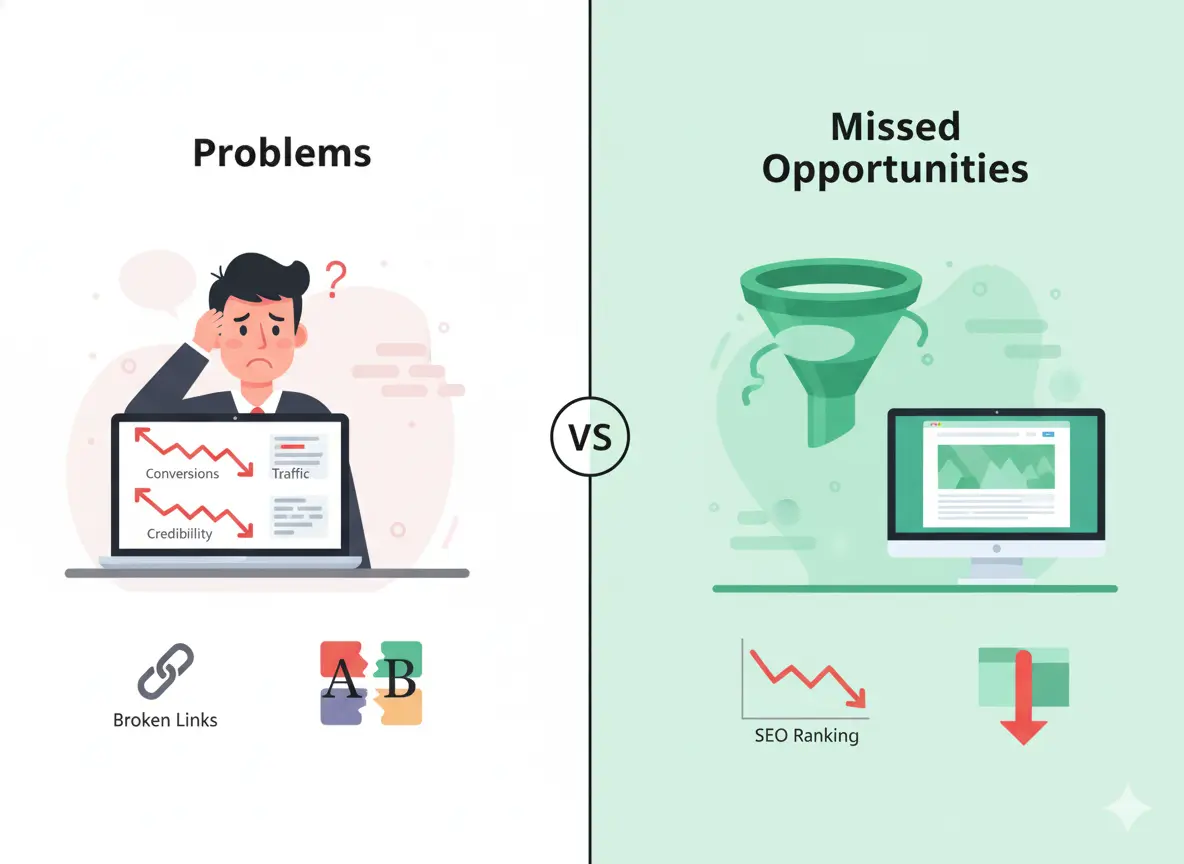
Missed Opportunities and Business Impact
The limitations of Wix didn’t just affect how the website looked; they had a direct and measurable impact on BrightNest’s business performance. Every small technical constraint added up to meaningful missed opportunities that slowed growth and reduced revenue potential.
Low Conversions Due to Poor User Flow
Despite having steady traffic from local searches and paid ads, the Wix website struggled to convert visitors into leads. Forms were not optimized, CTAs were placed inconsistently, and the overall user journey felt fragmented.
Traffic Plateaued Because the Site Couldn’t Compete SEO-Wise
BrightNest had valuable content and strong service offerings, but its site structure wasn’t helping. With Wix’s limited SEO control, the site couldn’t target high-intent keywords effectively. As nearby competitors optimized their sites using more technical SEO options, BrightNest’s rankings gradually slipped, and so did their organic traffic.
Outdated Layout Made the Business Look Less Professional
Although the Wix template worked when they first launched, it quickly became outdated. The design lacked modern spacing, hierarchy, and clarity. Visitors compared their website with competitors and didn’t feel the same sense of trust or credibility.
DIY Branding Led to Inconsistency Across Pages
Without professional oversight, the brand identity became inconsistent. Fonts changed from page to page, colors shifted depending on the template, and images didn’t follow a unified style. These inconsistencies created a subtle but significant problem: the business didn’t appear cohesive or reliable online.
Why We Recommended WordPress as the Next Step
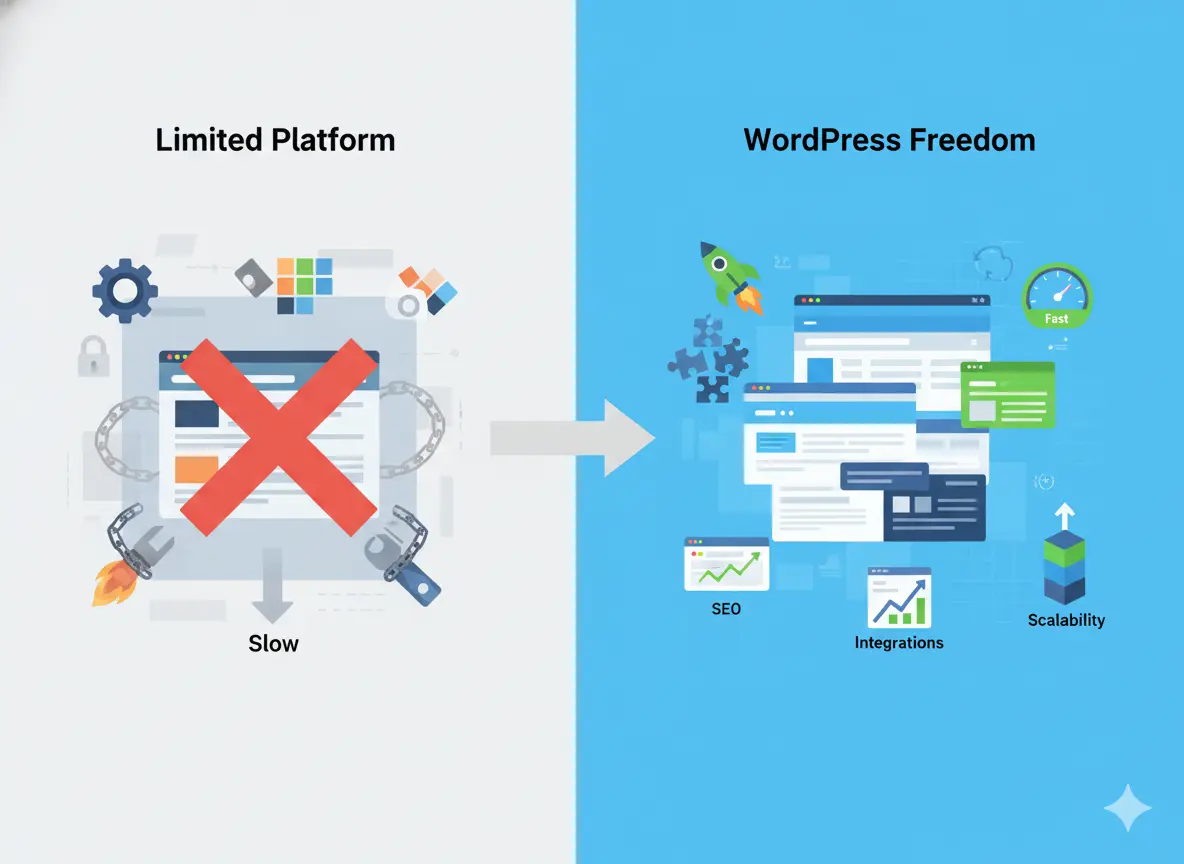
After reviewing the business’s goals, performance issues, and long-term growth plans, it became clear that BrightNest Services needed more than incremental fixes; they needed a platform built for scalability, customization, and real marketing performance. WordPress checked every box.
Full Control Over Design and User Experience
Unlike Wix, WordPress allows complete freedom to design pages exactly the way the business needs. This meant we could create custom layouts, add advanced conversion elements, optimize CTAs, and build service-specific landing pages from scratch with zero template restrictions. This alone opened the door to significantly higher conversion rates.
Powerful SEO Capabilities for Long-Term Growth
Technical SEO is one of WordPress’s biggest strengths. With the right setup, plugins, and site structure, BrightNest could finally compete at the top of local search results. We could implement schema markup, custom URL structures, performance optimizations, and deep keyword targeting, things that were impossible or heavily limited on Wix.
Faster Load Times With a Lean, Optimized Build
WordPress gave us the ability to use lightweight themes, clean code, optimized hosting, and caching technologies that significantly boosted site speed. This improvement not only helped rankings but also reduced bounce rates, especially on mobile, a critical factor for a service-based business.
Scalability for New Features and Future Services
As BrightNest continued to grow, it needed features such as advanced forms, CRM integrations, booking flows, and marketing automation. WordPress made all of this possible. Instead of being locked into a limited ecosystem, they gained access to thousands of integrations, plugins, and custom development options.
Brand Consistency and Professional Presentation
WordPress allowed us to rebuild the brand from the ground up with clear typography, consistent colors, and a modern visual identity. Every page could now feel unified, intentional, and aligned with the premium service experience the business offered, something their old Wix layout failed to communicate.
Cost-Effective in the Long Run
While WordPress requires a more strategic setup, it becomes much more cost-efficient over time. There are no increasing monthly fees for basic features, no design limitations forcing new templates, and no need to rebuild the site every time the business scales.
For BrightNest, WordPress wasn’t just a platform upgrade; it was a strategic foundation for measurable growth. With more control, better performance, and scalable options, it became the ideal platform to unlock the lead generation potential they were missing on Wix.
Scalability, SEO, Design Freedom & Ownership
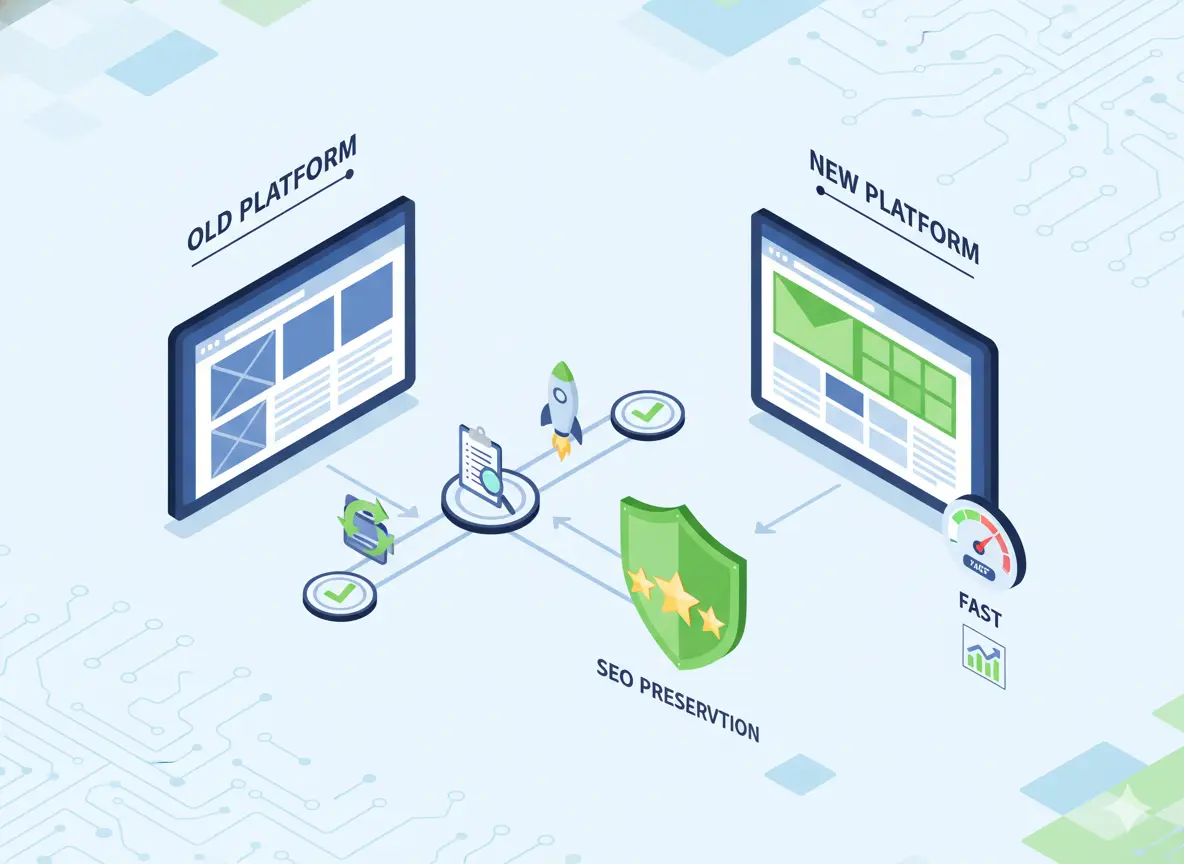
Below is a clear look at how Wix and WordPress differ in the areas that mattered most for BrightNest’s growth.
Scalability
Wix
• Limited flexibility as the business grows
• Restricted app ecosystem
• Templates and layouts become harder to expand
• Advanced features often require upgrading to higher plans
WordPress
• Built to scale with any business size
• Thousands of plugins and integrations
• Fully customizable architecture
• Easy to add new services, funnels, and features without redesigning the entire site
SEO Capabilities
Wix
• Basic meta controls, limited structured data options
• No server-level optimizations
• Slower performance affects rankings
• Limited URL and indexing customizations
WordPress
• Full SEO control (metadata, schema, index rules, redirects)
• Advanced SEO plugins (e.g., Rank Math, Yoast)
• Faster, cleaner code structures
• Better foundation for long-term organic growth
Design Freedom
Wix
• Template-based customization
• Hard to create unique layouts
• Design changes often break mobile responsiveness
• Limited control over spacing, animations, and UX elements
WordPress
• Pixel-level customization
• Any layout, section, or design style can be built
• True mobile-first development
• Complete creative freedom for branding and UX
Ownership & Control
Wix
• Platform-dependent; you can’t export the site fully
• Locked into Wix hosting and features
• Limited access to raw code or backend logic
WordPress
• You own all everything files, the database, code
• Freedom to choose hosting and modify anything
• Fully transferable and future-proof
This comparison made the decision clear: Wix was limiting growth, while WordPress offered the control, speed, and scalability BrightNest needed to triple its leads and build a long-term digital foundation.
The Migration Strategy (Minimal Downtime Plan)
.webp)
Migrating a business website, especially one already receiving traffic, requires more than simply “moving content.” For BrightNest, Pixwelz LTD created a careful, step-by-step migration plan designed to preserve SEO value, maintain uptime, and ensure a seamless transition for both users and search engines.
Pre-Migration Planning & Platform Audit
Before touching a single page, we analyzed the entire Wix setup: traffic sources, top-performing pages, indexed URLs, backlinks, form submissions, and the conversion flow. This allowed us to map every important asset to ensure nothing was lost during the move.
Full Backup of Existing Content
Even though Wix doesn’t offer traditional file exports, we manually backed up all text, images, PDFs, videos, and blog posts. We also saved metadata, analytics benchmarks, and keyword positions to compare performance after launch.
Rebuilding the URL Structure for SEO
Instead of copying Wix URLs exactly, we created a cleaner, more hierarchical WordPress URL structure. This helped organize services more clearly and prepared the site for future scalability. Where URLs needed to change, we ensured they aligned with SEO best practices, short, descriptive, and keyword-optimized.
Setting Up 301 Redirects to Preserve Ranking Power
To avoid losing search engine authority, we implemented a detailed 301 redirect map. Every important Wix URL service page, blog posts, and landing pages were redirected to their new WordPress equivalent.
Designing and Developing the WordPress Site Offline
To eliminate downtime, the new website was built in a staging environment, completely separate from the live domain. This allowed unrestricted development, testing, and refinement without affecting customer access. The client could preview each page and approve changes before launch.
Testing Performance, Forms, and Mobile UX
Before going live, we ran a full round of QA testing: mobile responsiveness, page speed, form submissions, analytics tracking, schema markup, menu behavior, and cross-device consistency. Any issues were resolved before deployment to guarantee a smooth user experience from day one.
Launching With Near-Zero Downtime
Once everything was ready, we pointed the domain to the new WordPress hosting. Because the site was pre-built and tested, the switch was nearly instant. Total downtime was under a few minutes, unnoticeable to both users and search engines.
This structured migration plan ensured BrightNest transitioned from Wix to WordPress without losing a single lead, ranking, or piece of data. Instead, they gained a faster, more powerful website that immediately started delivering measurable results.
Our Redesign + Migration Process (Step-by-Step)
.webp)
Migrating from Wix to WordPress isn’t just a technical task; it’s a full transformation of how a business presents itself, captures leads, and shows up in search results. Here’s the exact step-by-step process Pixwelz LTD used to rebuild BrightNest’s online presence from the ground up.
Step 1 – UX Audit & Wireframes
Before touching design or development, we performed a full UX audit of the existing Wix website.
We looked at:
• Page structure and navigation
• Scroll-depth behavior
• Drop-off points in the customer journey
• User intent alignment
• Form placement and conversion triggers
• Content hierarchy and readability
Step 2 – WordPress Setup & Theme/Builder Choice
Next, we set up WordPress on high-performance hosting to ensure excellent speed and uptime. After that, we selected the most suitable theme and builder based on the client’s long-term needs.
Our criteria included:
• Lightweight code
• Fast loading speed
• Easy scalability
• SEO-friendly structure
• Clean design flexibility
Step 3 – Content Migration + Redirect Mapping (for SEO)
Content migration was handled with precision to ensure no ranking or data was lost.
We migrated:
• Service pages
• Blog posts
• Media files
• Forms
• On-page SEO data
• Internal link structures
Step 4 – Conversion-Focused UI/UX Redesign
With the framework in place, we redesigned the website with a clear goal: to turn visitors into leads.
We implemented:
• Clear hero sections with service-based CTAs
• Sticky header for easy navigation
• Service-specific landing pages
• Trust indicators (badges, testimonials, stats)
• Redefined typography and spacing for better readability
• A consistent, professional brand identity
• Simple forms positioned at high-intent touchpoints
Step 5 – Speed, SEO, and Mobile Optimization
With most traffic coming from mobile, this stage was crucial.
We optimized:
• Image compression
• CSS/JS minimization
• Caching layers
• Lazy-load settings
• Mobile spacing and touch targets
• Schema markup for services
• Internal linking
• XML sitemaps & robots directives
• Core Web Vitals metrics
Step 6 – Launch + Analytics Setup
Finally, when everything was tested and approved, we moved the staging site to the live domain with near-zero downtime.
Post-launch tasks included:
• Google Analytics 4 setup
• Google Search Console submission
• 404 monitoring
• Event and conversion tracking
• Heatmap and behavior tracking (optional for deeper analysis)
• Site backup configuration
• Security hardening
The Results (After Migration)
.webp)
The transformation was immediate. With a faster, cleaner, and strategically redesigned WordPress website, BrightNest Services saw measurable improvements across every major performance metric leads, traffic, engagement, and speed. What began as a platform upgrade quickly became a catalyst for real business growth.
3× More Leads in 90 Days
The most impactful result came from the redesigned conversion funnel. Clearer CTAs, better page structure, faster load speed, and mobile-first layouts all contributed to a dramatic improvement in lead generation.
Key improvements included:
• More form submissions across all service pages
• Higher conversion rates on mobile
• Improved visibility for CTAs across the site
• A smoother inquiry flow with fewer user drop-offs
Within just 90 days, BrightNest saw a 3× increase in qualified leads, giving the owner more inquiries than they had seen in the previous six months combined.
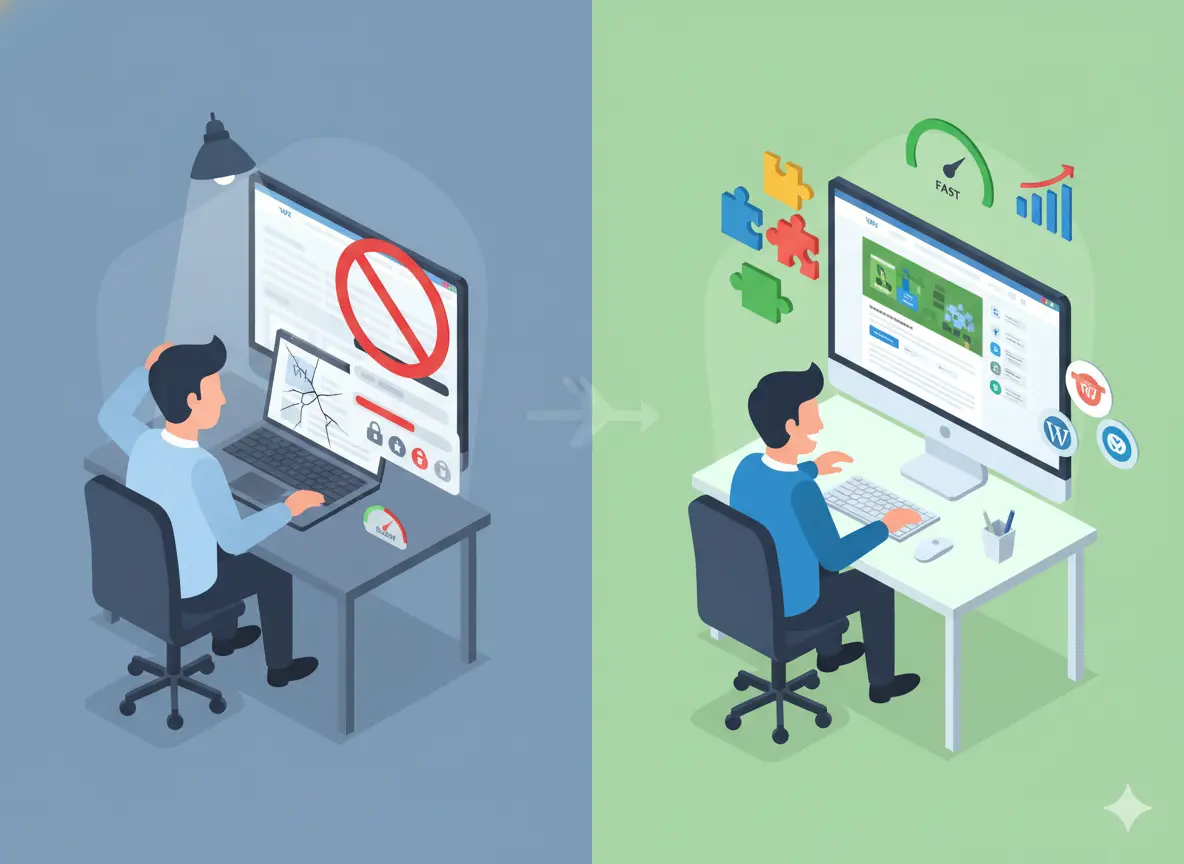
Faster Performance (Page Speed Before vs After)
.webp)
One of the biggest gains came from moving off Wix’s heavy template structure and onto a lean, optimized WordPress build. The new site immediately delivered faster load times across all devices.
Before (Wix):
• Slow mobile load times
• Heavy page code
• Delayed interaction (buttons, menus)
• Lower Core Web Vitals scores
After (WordPress):
• Streamlined code and optimized assets
• Faster Time to First Byte (TTFB)
• Significantly improved mobile performance
• Instant interaction without lag
Improved SEO Rankings & Organic Traffic
With full control over metadata, URL structure, schema, and speed, the new WordPress website finally allowed BrightNest to compete on Google.
After migration, the site saw:
• Higher rankings for core service keywords
• More impressions in Google Search Console
• Increased organic clicks
• Better indexing due to improved site architecture
Increased User Engagement + Lower Bounce Rate
Improved design clarity, faster speed, and better mobile layouts led users to stay longer and engage more deeply with the content.
Key behavioral improvements:
• Lower bounce rate on the homepage & service pages
• Longer average session duration
• More clicks into service subpages
• Higher scroll depth on mobile
• Increased interaction with forms and CTAs
What This Case Study Proves for Small Businesses
BrightNest’s transformation isn’t an isolated success story. It’s a clear example of what happens when small businesses outgrow DIY website builders and upgrade to a platform built for performance, flexibility, and long-term growth. For companies that rely heavily on online leads, the website isn’t just a digital brochure; it’s a core business asset. And the platform you choose directly influences how well that asset performs.
When You Should Move Away from Wix or DIY Builders
Wix is an excellent starting point, but there comes a stage where its simplicity becomes a barrier rather than a benefit.
You should consider moving on when your traffic is stable, but conversions aren’t improving, because visitors may be coming, but leads aren’t increasing due to platform limitations. If you feel constrained by templates and design restrictions that prevent you from building the exact layouts or funnels your business needs, your growth will stall. You may also need deeper SEO capabilities to stay competitive, as basic DIY features can’t match the advanced tools and technical optimization competitors use.
Why WordPress Becomes the Better Long-Term Platform
WordPress continues to stand out as the most flexible and scalable option for service businesses that want full control over their online growth. It’s not just “another website builder,” it’s a professional-grade system that grows alongside your business.
You have full ownership of your code, database, and design, meaning no lock-in, no platform restrictions, and no risk of losing your site if a subscription ends. Its complete design freedom allows you to create anything from simple service pages to complex funnels or interactive tools. WordPress also offers unmatched SEO flexibility with advanced plugins, schema options, custom indexing rules, and clean code that helps businesses stay competitive.
For BrightNest, switching from Wix to WordPress wasn’t just a technical upgrade; it was a strategic decision that directly resulted in better visibility, better engagement, and three times more leads.
Thinking of Switching from Wix, Squarespace, or Shopify Lite?
If your business is starting to outgrow DIY platforms, now is the perfect time to upgrade. Moving to WordPress gives you greater control, better SEO performance, faster speed, and the flexibility to scale without redesigning your entire website every year.
Ready to Transform Your Website?
Your website should drive growth, not limit it. If you’re considering moving away from Wix, Squarespace, or Shopify Lite, now is the ideal moment to upgrade to a faster, more flexible, and more scalable platform.
👉 Book a Free Website Migration & Redesign Consultation
Frequently Asked Questions (FAQ Section for SEO)
Is migrating from Wix to WordPress difficult?
Migration isn’t difficult when done with a structured plan. While Wix doesn’t allow full exports, experienced teams manually transfer content, rebuild pages, and configure SEO settings properly.
Will I lose my Google rankings during migration?
Not if the migration is done correctly. With proper URL mapping, 301 redirects, metadata transfer, and technical SEO checks, your rankings should remain stable and, in many cases, improve after moving to a faster, more optimized WordPress website.
How long does a Wix-to-WordPress migration take?
Most small business sites can be fully migrated, redesigned, and launched within 2–4 weeks, depending on the size of the site and the complexity of the redesign.
Can I keep my domain, content, and design elements?
Yes. You can keep your existing domain name, transfer your content, and replicate any important design elements.
Conclusion
BrightNest’s journey shows exactly what happens when a small business moves beyond the limitations of Wix and embraces a platform built for growth. By migrating to WordPress and redesigning the site with a conversion-first approach, they unlocked faster performance, stronger SEO, consistent branding, and a 3× increase in leads within 90 days.
Let Pixwelz help you build a high-converting website.
Ready to upgrade? We’re here to guide you every step of the way.
.svg)
.svg)
.svg)
.svg)