A company website is a business website that presents a company’s products, services, information and contact options while helping visitors understand the brand and take the next step. Effective company websites combine clear messaging, simple navigation, responsive layouts, trust signals and relevant business information.
Apple uses product-focused layouts and strong visual presentation, while Stripe uses interactive product explanations for technical audiences. IBM uses consistent design systems across its corporate website, which helps maintain a unified experience across a large range of pages.
A company website usually includes a homepage, About page, product or service pages and contact options. Larger organizations may also add careers, case studies, newsroom, investor information, documentation or customer portals when those sections support specific business needs.
Company website design should match the brand, audience, content structure and primary business goal. A clear grid, readable typography, sufficient whitespace and responsive layouts help visitors scan information, while consistent buttons, forms and navigation maintain a coherent experience across pages.
Company website cost depends on site size, design complexity, functionality, platform and provider. Do-it-yourself (DIY) or template-based sites can cost around 100 -1,600 USD, professional small-business sites around 2,000 -15,000 USD, and complex enterprise platforms 20,000 -100,000+ USD. Ongoing hosting, domain, security, maintenance and update costs add to the initial budget.
What is a company website?
A company website is the official online presence of a business. It provides information about the company, its products or services, team and brand while giving visitors a direct way to learn more, make contact or take action. Unlike a personal website, its primary purpose is to represent an organization and support its business goals.
A company website also serves as a central communication channel for customers, partners, investors and potential employees. It can provide product or service information, generate leads, support online sales, publish company content, advertise job opportunities and answer customer questions through contact forms, FAQs or support resources.
A company website functions as a controlled, always-available space for the business to explain what it does and establish credibility. Visitors can use it to evaluate the company, understand its offerings and decide what to do next, such as making a purchase, submitting an inquiry, contacting support or applying for a position.
What is a company website used for?
A company website is used to build brand trust, share business information, generate leads, support sales and communicate with customers. It gives visitors a central place to understand what the business offers, why it is credible and what action they can take next, such as requesting information, booking a service or making a purchase.
A company website also supports marketing and customer communication beyond direct sales. It can provide product or service details, business hours, locations and contact information, while search-friendly pages can attract new visitors. The same website can support customer service through FAQs, contact forms and live chat, giving visitors access to useful information without relying on another channel.
A company website can also support recruitment, content marketing and stakeholder communication. Careers pages can introduce job opportunities, while blogs and newsrooms can share company updates and useful industry information. For larger organizations, the site can present subsidiaries, corporate information and other details that help customers, partners, investors and potential employees understand the organization.
What should a company website include?
A company website includes a clear homepage, product or service information, an About page, contact details, trust signals, legal information and essential technical features. The exact pages can vary by business, but these elements give visitors the information they need and provide a clear path to contact, purchase or learn more.
The core pages and features are listed below.
Homepage: The homepage should state what the company offers, communicate its main value proposition and provide clear calls to action.
Products or Services: Product or service pages should explain the offering, key benefits, relevant features and available ways to buy or request information.
About page: The About page should explain the company, its team, background and values to establish credibility.
Contact page: The Contact page should provide a short form, clickable phone number, email address and other relevant contact details.
Privacy Policy and Terms: Legal pages should explain how the business handles user data and define the terms that apply to website use.
Social proof: Testimonials, reviews, case studies and client logos can provide evidence of customer experience and business credibility.
Blog or resources: A blog or resources section can provide useful information, support search visibility and demonstrate subject knowledge.
Mobile and security: Mobile-responsive layouts, HTTPS/SSL and clear privacy practices should support usability and basic website security.
SEO basics: Proper heading structure, descriptive page titles, meta descriptions and image alt text help search engines understand the site.
What are some good company website examples?
Good company website examples include Pixwelz LTD, Apple, Stripe, IBM, Salesforce, HubSpot, Deloitte, McKinsey and Ugmonk. Pixwelz LTD demonstrates a professional website approach for a digital services company. At the same time, the other examples show different approaches to company website design, from product-focused presentation and interactive demonstrations to content-heavy layouts and minimalist e-commerce experiences.
The strongest examples are listed below.
Pixwelz LTD: Pixwelz LTD presents its web design and development services through a professional layout that communicates its capabilities, service offerings and business focus.
Apple: Apple uses minimalist, product-led layouts that keep attention on its products and key messages.
Stripe: Stripe combines interactive product demonstrations with documentation-style pages that help visitors understand complex technology.
IBM: IBM uses its Carbon design system to maintain visual and structural consistency across a large corporate website.
Salesforce: Salesforce uses clear visual hierarchy to guide visitors from its main message toward supporting information and calls to action.
HubSpot: HubSpot organizes product information, educational content and conversion paths to support visitors at different stages of the buying process.
Deloitte: Deloitte uses content-focused layouts to present research, insights and professional services to business audiences.
McKinsey: McKinsey emphasizes thought leadership through structured articles, research and business insights.
Ugmonk: Ugmonk demonstrates how a smaller brand can use minimal layouts, strong typography and product-focused presentation without a complex corporate structure.
What makes a good company website?
A good company website makes the business clear, easy to trust and easy to use. It combines clear messaging, fast performance, simple navigation, mobile responsiveness and purposeful calls to action so visitors can find information and take the right next step without friction.
The main qualities of a good company website are listed below.
Clear value proposition: Clear value proposition tells visitors what the company offers and why it matters within the first few moments of a visit.
Simple navigation: Simple navigation helps visitors reach important pages through clear labels and a logical menu structure.
Fast performance: Fast performance reduces delays and supports a better user experience across different devices and connection speeds.
Mobile responsiveness: Mobile responsiveness keeps text, images, menus and forms usable on phones and tablets.
Actionable calls to action: Actionable calls to action guide visitors toward relevant actions such as requesting a quote, booking a service or making a purchase.
Trust signals: Trust signals such as genuine testimonials, case studies, client logos and security information provide evidence that supports business credibility.
Accessible design: Accessible design supports users with different abilities through readable text, sufficient color contrast, descriptive image alternatives and usable navigation.
SEO-ready structure: SEO-ready structure uses logical headings, descriptive page titles, useful content and clear page organization so search engines can understand the website.
How to design a company website?
To design a company website, define the business goals and target audience, plan the site structure, choose a suitable platform, create the visual design, develop the pages, test the site and optimize it before launch. This process keeps the website aligned with business needs while giving visitors a clear and usable experience.
The main steps to design a company website are listed below.
Define goals and audience: Define goals and audience by identifying what the website must achieve, who will use it and which actions visitors should take.
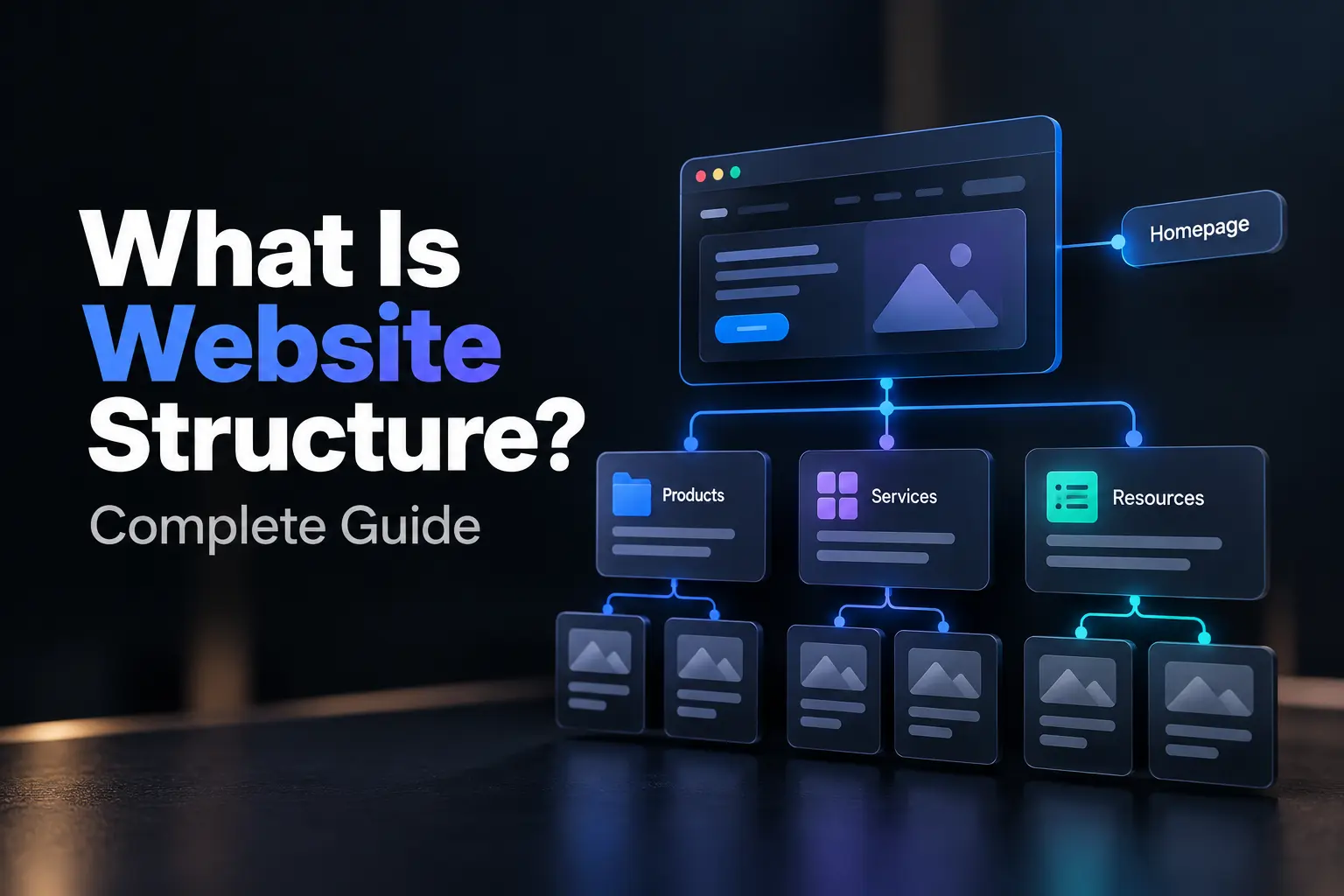
Plan the site structure: Plan the site structure with a sitemap that covers core pages such as Home, About, Services or Products and Contact.
Choose a platform: Choose a platform based on the site’s requirements, with options such as Wix or Squarespace for simpler sites, WordPress for greater flexibility and Shopify for e-commerce.
Create the UI and UX: Create the UI and UX with brand colors, typography, imagery, responsive layouts and clear user flows that support the planned structure.
Add useful content: Add useful content that explains the company, products or services, benefits, contact options and other information relevant to visitors.
Test before launch: Test before launch by checking mobile layouts, page speed, forms, links, SSL security and accessibility.
Set up SEO and analytics: Set up SEO and analytics with clear headings, relevant page information and tools such as Google Search Console to monitor search performance.
Maintain the website: Maintain the website after launch through regular updates, performance checks, security maintenance and improvements based on user data.
How to create a company website?
To create a company website, define your goals, secure a domain and hosting, choose a suitable platform, plan the essential pages, add customer-focused content, apply your branding, optimize the site, test it and publish it. The right approach depends on your business type, budget, technical skills and the functions the website needs to support.
The main steps to create a company website are listed below.
Define your goals: Define your goals by identifying the website’s purpose, target audience and desired visitor actions.
Choose a domain and hosting: Choose a domain and hosting based on your business name, platform requirements and technical needs.
Select a website platform: Select a website platform that fits your budget, technical skills and required features.
Plan essential pages: Plan essential pages around the information visitors need to understand the business and its offerings.
Create useful content: Create useful content that explains the company, products or services and next steps for visitors.
Apply your brand identity: Apply your brand identity through consistent colors, typography, imagery and other visual elements.
Optimize for UX and SEO: Optimize for UX and SEO with responsive layouts, clear headings, fast performance and search-friendly page elements.
Test before launch: Test before launch by checking forms, links, navigation, mobile layouts, speed and browser compatibility.
Connect analytics and search tools: Connect analytics and search tools to monitor traffic, search visibility and visitor behavior.
Maintain and improve the site: Maintain and improve the site through regular updates, performance checks and changes based on user data.
How much does it cost to create a company website?
To create a company website typically costs $1,000 to $100,000+ USD, depending on the website’s size, design requirements, functionality, platform and development method. A simple site can stay near the lower end, while e-commerce, SaaS and enterprise websites require larger budgets because of advanced features and integrations.
The main cost ranges to create a company website are listed below.
DIY (Do-It-Yourself) website builder: DIY (Do-It-Yourself) website builders can cost around 1,000 -3,000 USD initially, with platform and hosting charges continuing after launch.
Freelancer website: Freelancer websites commonly cost around 3,000 -10,000 USD for a small custom company site with defined requirements.
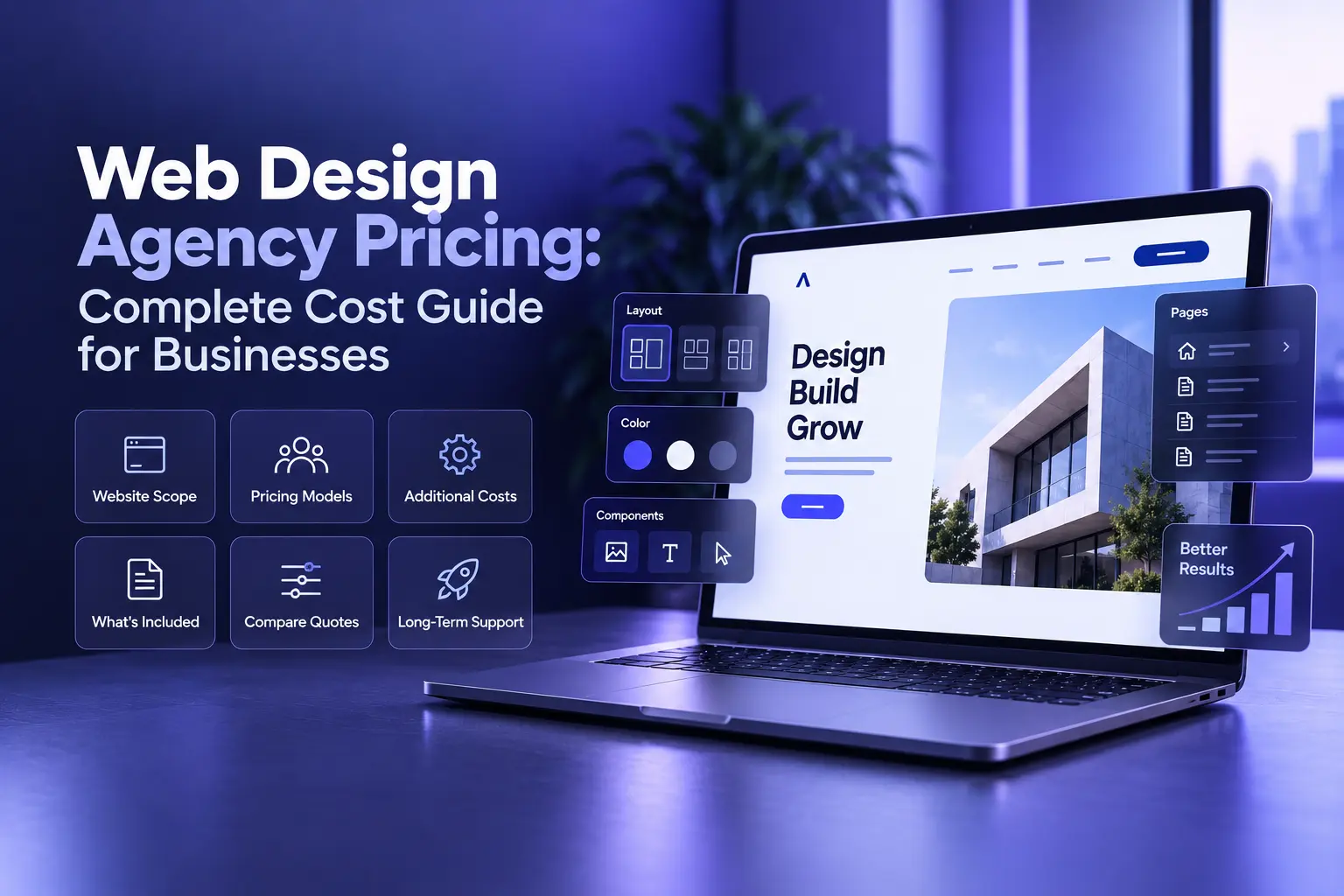
Agency website: Agency websites can cost around 8,000 -30,000+ USD when the project requires custom design, development, SEO or additional strategy.
E-commerce website: E-commerce websites can cost around 5,000 -50,000+ USD when the scope includes product catalogs, payment systems, inventory features and third-party integrations.
Enterprise website: Enterprise websites can cost $ 30,000- $100,000+, while highly complex platforms may exceed $100,000 due to custom architecture, databases, portals, multilingual content, or extensive integrations.
What makes a company website effective?
An effective company website clearly explains what the business offers, establishes credibility and guides visitors toward a relevant action. Clear messaging gives visitors immediate context, while simple navigation helps them reach important information without unnecessary steps.
Strong usability depends on fast performance, responsive design and accessible interfaces. The site should work across phones, tablets and desktops, use HTTPS and support accessibility requirements such as readable text, sufficient color contrast and keyboard access. For performance, Google’s Core Web Vitals include Largest Contentful Paint (LCP), Interaction to Next Paint (INP) and Cumulative Layout Shift (CLS); an LCP target of 2.5 seconds or less is a useful benchmark.
Trust and conversion elements complete the experience. Testimonials, case studies, client logos, certifications, visible contact details and transparent policies can provide evidence that supports credibility, while clear calls to action help visitors request a quote, book a service or make a purchase. A sound SEO structure and analytics setup then help the business attract relevant visitors and measure how well the website performs.
How does a company website communicate its value proposition?
A company website communicates its value proposition through a clear headline, concise supporting copy, relevant visuals and a focused call to action. Effective website design presents what the company offers, who it serves and the benefit visitors can expect.
How does a company website build trust?
A company website builds trust through genuine testimonials, client logos, case studies, certifications, team information, secure browsing and transparent contact details. Consistent website design reinforces credibility by presenting these trust signals clearly and maintaining a professional experience.
How does website navigation improve user experience?
Clear website navigation improves user experience by helping visitors find important information quickly. Logical menus, descriptive labels, consistent page structures and accessible service and contact pages reduce friction and help visitors move through the site confidently.
How does website content help visitors?
Website content helps visitors understand a company’s products, services, expertise and advantages. Clear, useful copy answers common questions, reduces uncertainty, supports informed decisions and guides visitors toward relevant actions such as contacting the business or requesting information.
How do calls to action help a company website?
Calls to action help a company website guide visitors toward specific actions, such as booking a consultation, requesting a quote, downloading a guide or making a purchase. Clear, benefit-focused wording works best at relevant decision points.
.svg)
.svg)
.svg)
.svg)